
Lives as hearts
By the end your lives will show as a row of hearts, lose one when you get hurt, and gain one when you pick a heart up.
What you need
Everything here is in Simple mode.
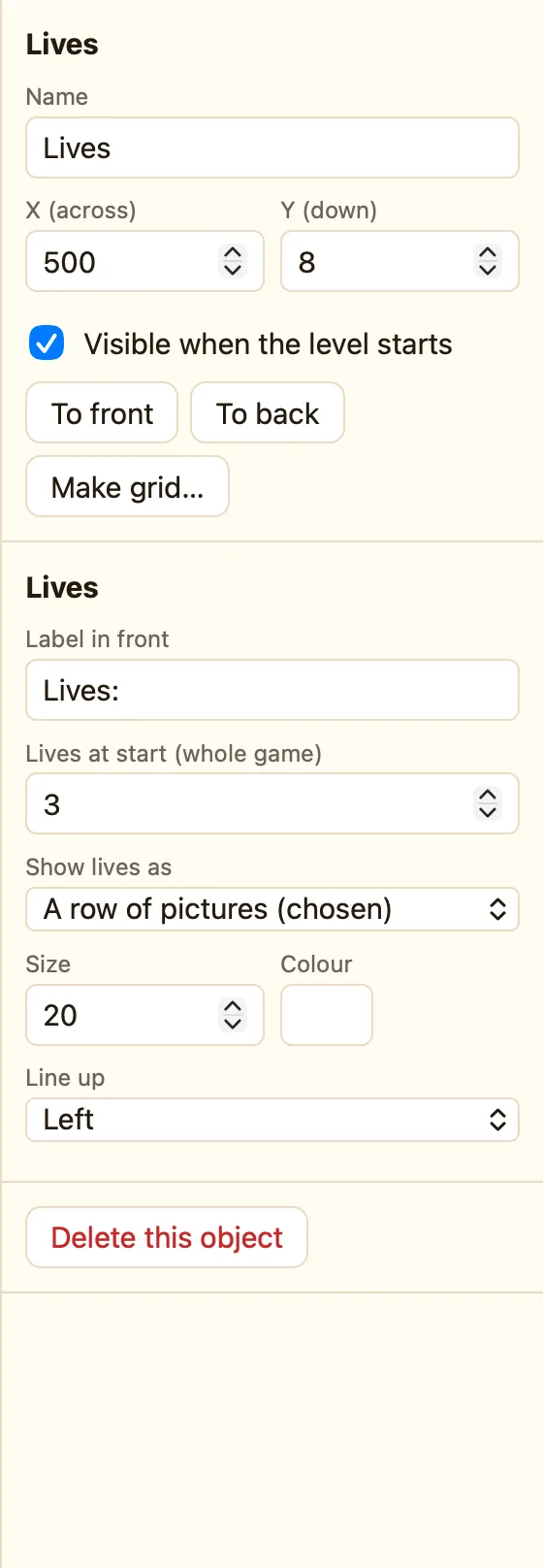
| Lives | + Add object → New → Lives. Set Show lives as to A row of hearts ♥♥♥. |
|---|---|
| Lives at start | In the Lives settings, under Whole game, set Lives at start to 3. |
| Hero and Slime | Hero and Slime from the library. |
| Heart | Heart from the library. "An extra life?" says its card. |
| Sounds | Lose and Power up. |
Build it
- Add the Lives object and put it in the top-right corner. Clear Label in front so only hearts show.
- Events tab → + New event → Hero → Collides with another object → Slime.
- In ☺ Player 1 choose Subtract lives, 1. In Hero choose Flash (blink) for 1.5 seconds. Play Lose.
- + New event → Hero → Collides with another object → Heart. Do Destroy Heart, Add lives 1, play Power up.
- + New event → ☺ Player 1 → Compare number of lives = equal to 0 → Restart the game.
- Press ▶ Play level. Walk into the slime. A heart goes. Pick up the heart. It comes back.
WhenHero collides with Slime
DoSubtract 1 from livesHero flashes for 1.5 secondsPlay sound Lose
WhenHero collides with Heart
DoDestroy HeartAdd 1 to livesPlay sound Power up
WhenNumber of lives is 0
DoRestart the game
Your own picture
Show lives as has two more choices. A row of {sprite} pictures uses a sprite already in your game, like the Heart. A row of pictures (chosen) lets you pick a picture yourself. Draw a tiny star, a cake, anything.
Make it yours
- A safe moment after a hit: the slime rule plus Not more than once every… 2 seconds (Advanced). While flashing, the hero cannot lose again.
- Two players: a second Lives object with Shows set to Player 2.
- Start with more hearts for younger players: Lives at start 5.
