
How to learn from a sample
Play a finished game, read its rules like a story, change one thing, then play again to see what happened.
Why samples are the fastest way to learn
Every sample is built from the same library pieces and the same rules you can make yourself. Nothing in them is hidden or special. When you open one, you are looking at a real game, and you can change any part of it.
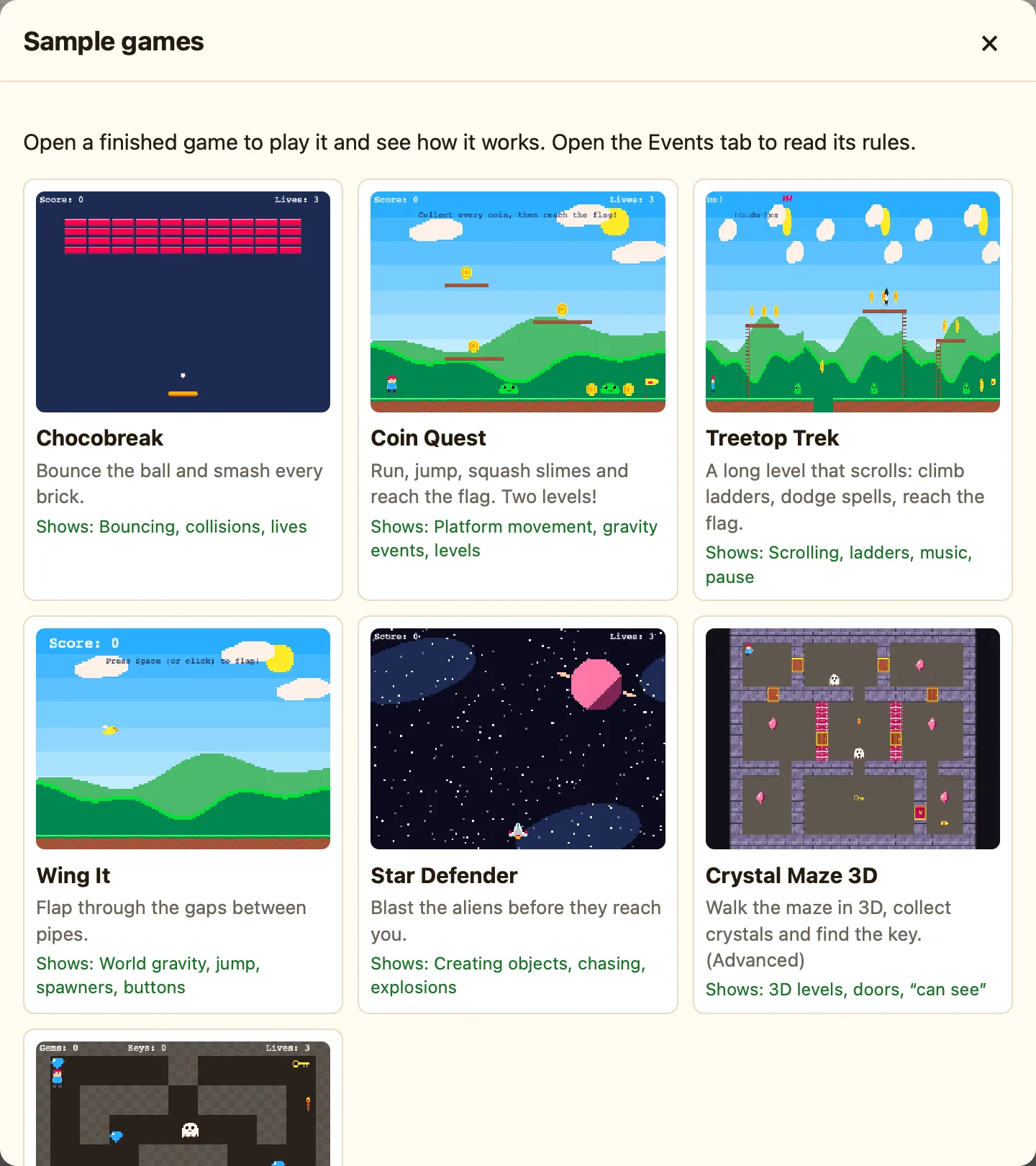
The Samples window shows a Shows: line on each card. That tells you what the game is good for learning. Chocobreak is the simplest. Crystal Maze 3D is the biggest.
How to
- Click 🎮 Samples in the toolbar, or choose File → Sample Games….
- Click a game. If you have unsaved work, NutHouse asks first.
- Press ▶ Play level (⌘R) and play for a minute. Press Esc to stop.
- Open the Events tab (⌘3) and click List. Now the rules read like sentences: “When … Do …”.
- Read the yellow comments. They say what each group of rules is for.
- Pick one number in one rule and change it. Right-click a condition and choose Change settings…, or click the ✎ next to an action.
- Play again. Did it do what you expected?
Good things to change first
| A speed | Click a sprite in the Level tab and change Speed on the right. Faster baddies make a harder game. |
|---|---|
| Points | Find an Add to score action and change 10 to 100. |
| A sound | Pick a different sound in a Play a sound action, or add one from + Built-in sound in the sidebar. |
| The level | Drag a coin somewhere new, or Alt-drag a slime to make another one. |
Each sample has its own page in this section, with every rule explained and three changes to try. Start with Chocobreak. For the two ways of showing rules, see Grid or list.
