
Reading a sample’s rules
Open a sample, switch to List, and read the rules from the top like a story.
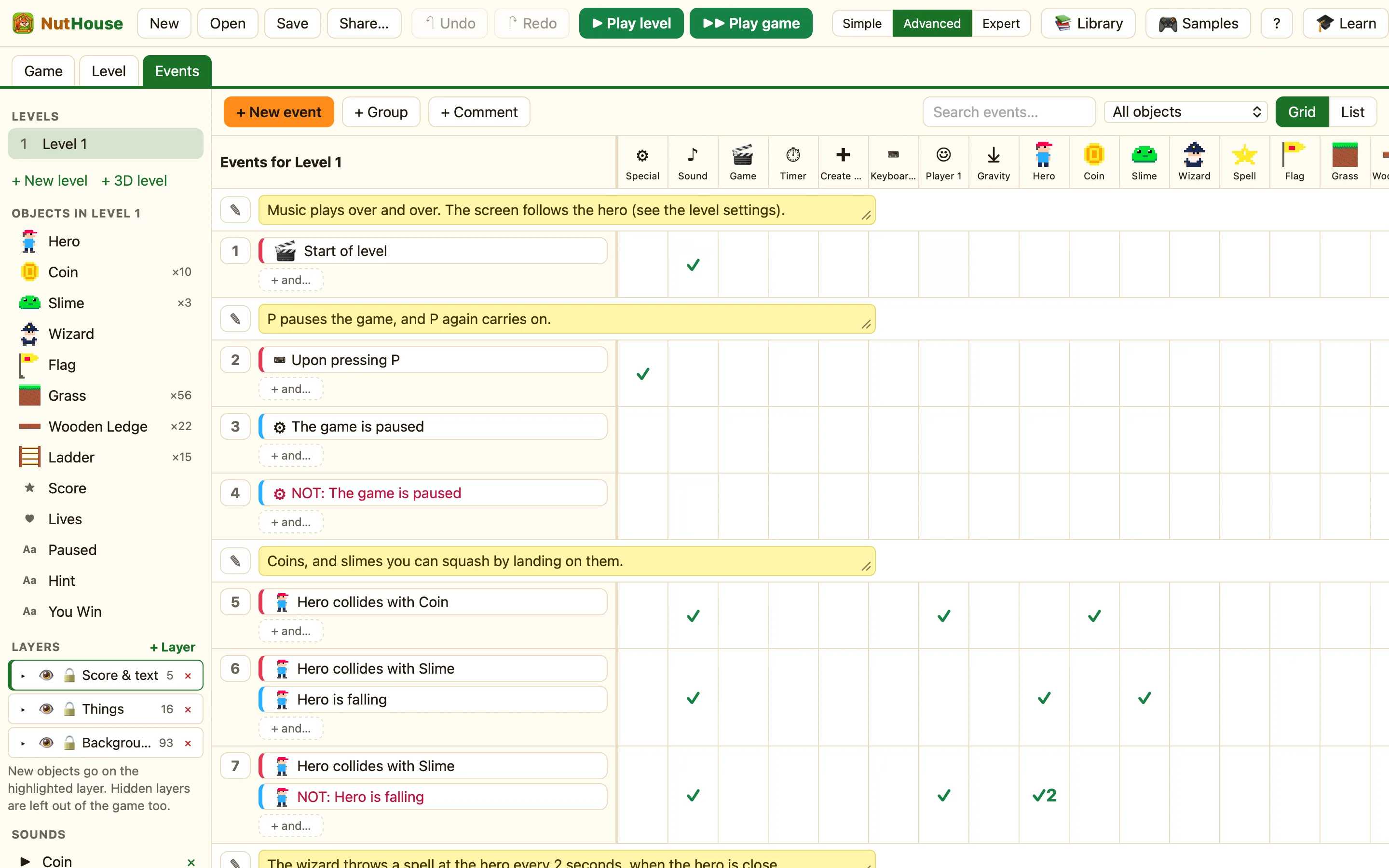
Why samples are the best teacher
Every sample in 🎮 Samples is a finished game made only with the rules you can make. Nothing is hidden. If you can read its rules, you can make a game like it. Reading them is quicker than guessing.
How to
- Click 🎮 Samples in the toolbar and pick one. Chocobreak is the shortest.
- Press ▶ Play level and play for a minute, so you know what the game does. Press Esc.
- Open the Events tab (⌘3) and click List.
- Read from the top. Each block says “When … and … / Do • …”.
- When a rule puzzles you, point at a chip in Grid view to see its help sentence, or right-click it and choose Change settings… to see its numbers.
Chocobreak, read out
The whole game is a handful of rules. In order they say: the paddle stops at the sides; the ball bounces off the bricks and smashes them; the ball bounces off the paddle; the ball bounces off the top, left and right; falling off the bottom costs a life; no lives means restart; no bricks means you win.
Things to look for
| Red chips first | Most rules start with a moment, then narrow with a state. See Red rules happen once. |
|---|---|
| NOT | Coin Quest uses “NOT: Hero is falling” to tell a squash from a hurt. |
| Groups | Treetop Trek keeps its rules in groups so each part is easy to find. |
| Switches and values | Wing It uses switch 0 to remember “crashed” so you cannot score twice. Expert mode shows them. |
| Random picks and spawners | Star Defender creates lasers and explosions, and cleans them up when their animation finishes. |
Change one thing
Reading is good. Changing is better. Change a number, a sound or a key, play again, and see what happened. A sample is a copy, so you cannot break the original. Save it with a new name if you like your version.
