
The tutorial is stuck
The Make Chocobreak tutorial will not move to the next step, whatever you click.
Check these first
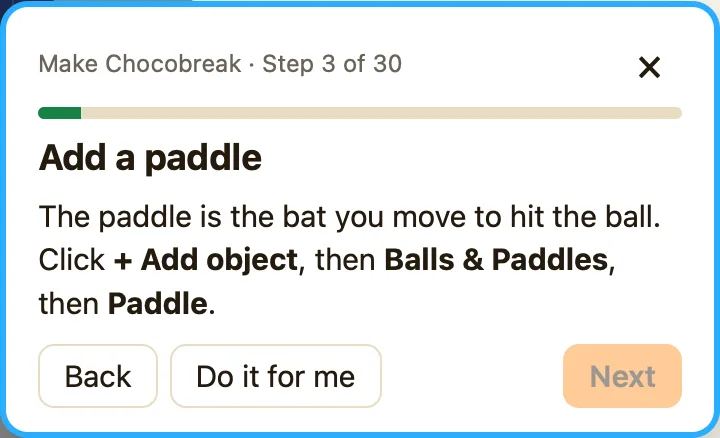
- Read the hint. Click Need a hint? in the tutorial panel. A line starting 💡 says exactly what the step is waiting for.
- Let NutHouse do it. Click Do it for me. NutHouse does the step and says "Watch it happen, then press ⌘Z to try it yourself". You can then press Next.
- Did it undo? If you pressed ⌘Z after a step, NutHouse says "Looks like that got undone. Let's do this step again." Do the step once more.
- Wrong tab? Some steps need the Level tab, some the Events tab, some the Sprite editor. Follow the spotlight.
- Done it slightly differently? The tutorial checks for the exact object, name or number it asked for. Click Back, then redo the step with the same words.
- Start again. Click ×. NutHouse asks "Stop the tutorial? Your game stays as it is." Then click 🎓 Learn in the toolbar to begin fresh.
Why it happens
The tutorial watches your game and moves on when it sees the result it asked for, not when you click. If what you built is a little different, like a different name or size, it keeps waiting. The hint and Do it for me exist for exactly that moment.
