
Sprites in 3D level
Sprites in a 3D level always turn to face you, like cardboard cut-outs, so coins, ghosts and keys all work.
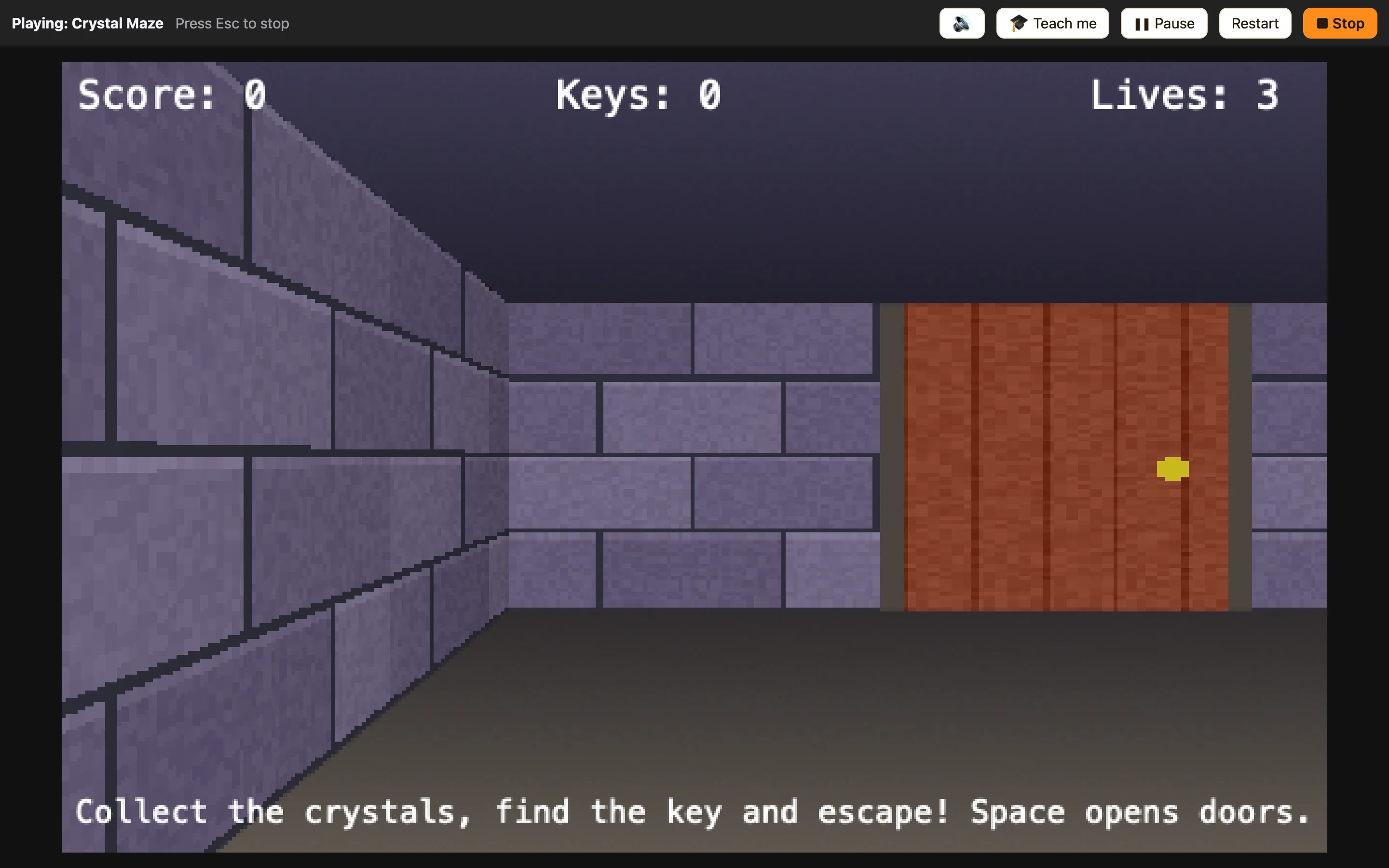
Cardboard cut-outs
A sprite in a 3D level is still the same flat picture you drew in the Sprite editor. NutHouse stands it up on the map and turns it to face you wherever you are. Walk round it and it keeps looking at you. That is how old 3D games did it, and it works for almost anything.
Far-away sprites are drawn smaller and darker. Walls hide sprites behind them.
What works
| Things to collect | Crystals, coins and keys. Walk into them and Collides with another object fires, like in 2D. |
|---|---|
| Enemies | A ghost with Chases another object movement chases the Player around the map. Walls do not stop it, so use Can see another object (3D) to make it fair. |
| Decoration | A torch with Stays still movement and an animation makes a corridor feel alive. |
| Displays | Score, Lives, Counters and Text are drawn on top of the view, not inside the maze. |
How to add a sprite
- On the Level tab of a 3D level, click + Add an object… under Objects.
- Pick a sprite from the Library, like Crystal.
- Choose 🧍 Place and move objects, click the sprite in the palette, then click a square.
- Click more squares to put down more copies.
Picking things up
Because the map is flat underneath, the rule is exactly the one you would write in a 2D level:
WhenPlayer collides with Crystal
DoDestroy CrystalAdd 10 to scorePlay sound Coin
Only the crystal you touched is destroyed, because Collides with picks the copy that touched.
