
3D rules
Five extra conditions and actions only make sense inside a 3D level: can see, is facing, a door opened, open the door in front, and whose eyes to look through.
Where to find them
Every rule you know still works in a 3D level. On top of that, sprites get a 3D sub-menu in the condition picker and the action menu. A door starts to open (3D) lives in the ⚙ Special column. You need Advanced or Expert mode to see them.
The conditions
| Can see another object (3D) | True when nothing solid is between the two objects. Only the ones that can see each other are picked. Walls and closed doors block the view. |
|---|---|
| Is facing another object | True when the object is looking towards the other one. You choose how many degrees either side still counts. |
| A door starts to open (3D) | True once, the moment any door in the level starts to open. A red condition, so it happens once per door. |
The actions
| Open the door in front | Opens the door right in front of the object. This is the only way to open a Locked Door. |
|---|---|
| Turn to face another object | Turns the object to look straight at the nearest copy of another object. |
| Look through its eyes | The screen shows what this object sees from now on. |
Ghosts that only chase when they see you
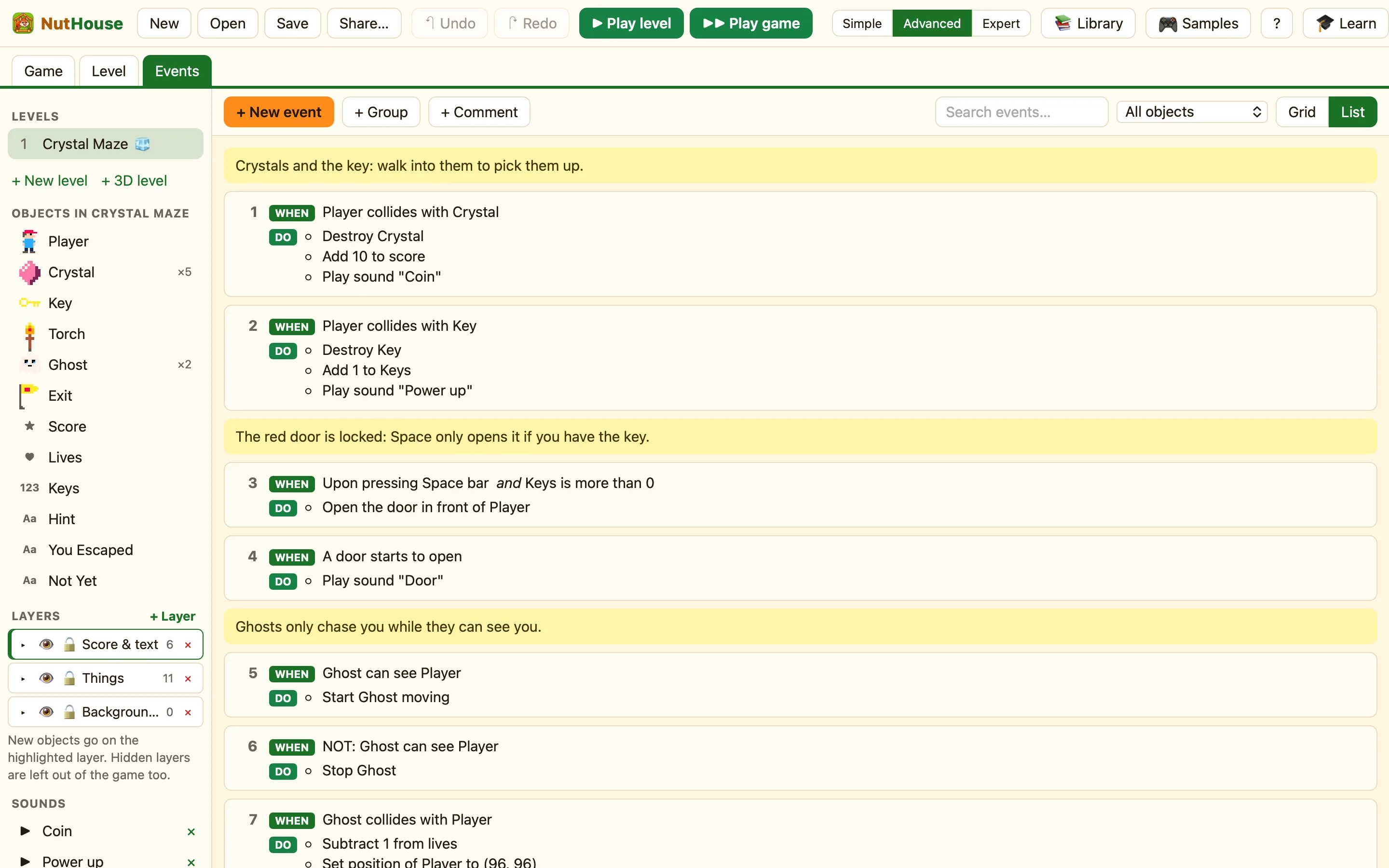
This pair of rules is the heart of Crystal Maze 3D. The ghost moves while it can see the Player and stops when a wall gets in the way.
WhenGhost can see Player
DoStart Ghost moving
WhenNOT: Ghost can see Player
DoStop Ghost
The second rule uses Make it the opposite (NOT). See NOT: the opposite.
A door that needs a key
WhenUpon pressing Space barKeys is more than 0
DoOpen the door in front of Player
WhenA door starts to open
DoPlay sound Door
