
What 3D level is
A 3D level is a map you paint from above and then walk around inside, and every rule you already know still works in it.
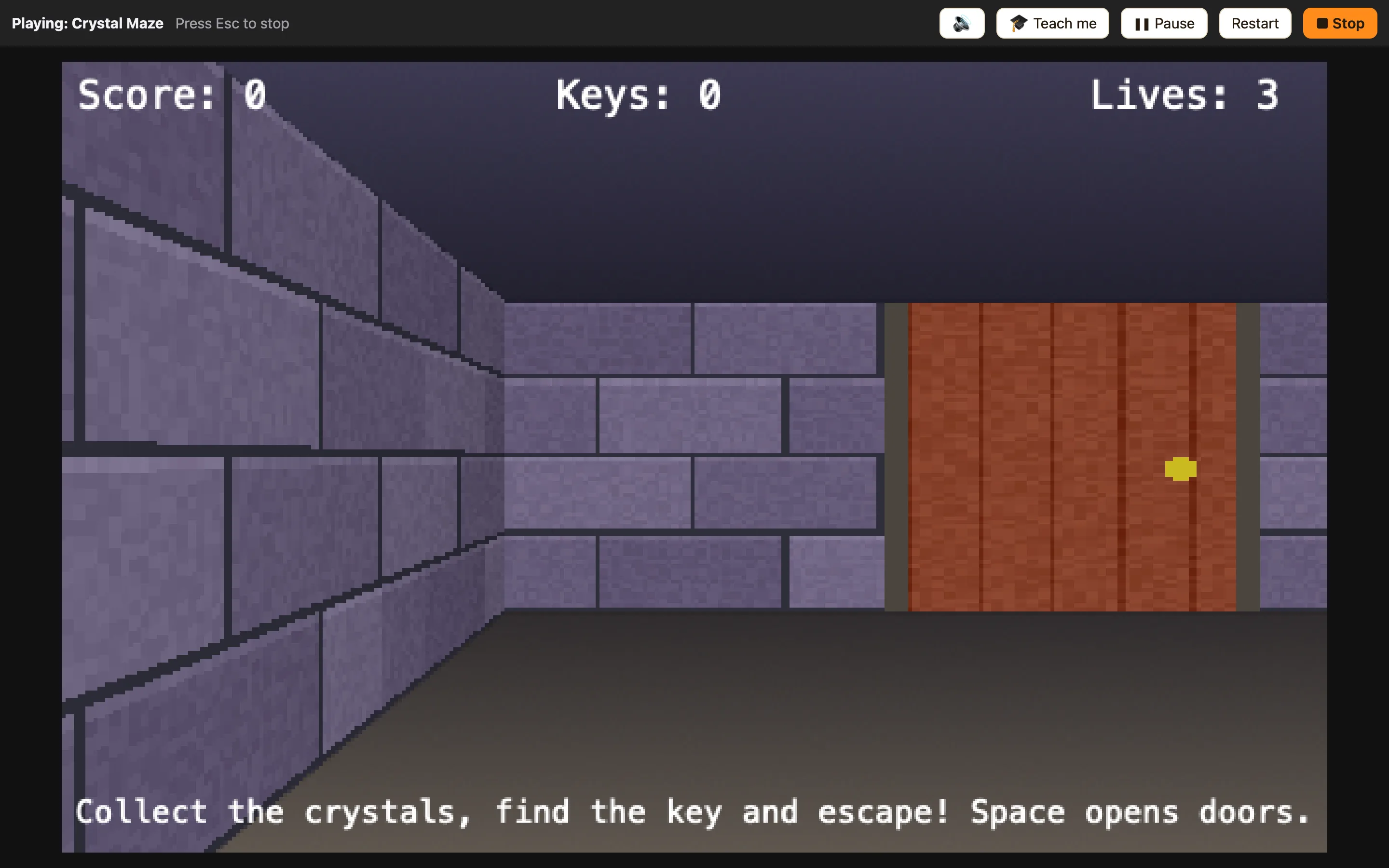
Two ways of looking at the same level
In the editor, a 3D level is a grid of squares seen from above. You paint wall blocks onto the squares, like colouring in a maze on squared paper.
When you play, NutHouse draws those same squares as tall walls around you. You see through the eyes of one sprite, the Player, and walk about with the arrow keys.
Underneath, nothing has changed. It is still a flat map. A ghost that chases the Player in a 2D level chases it in a 3D level too. Collisions, score, lives and counters all carry on working.
What is in a 3D level
| Blocks | Wall squares. Nothing walks through them. NutHouse comes with nine styles, like Grey Stone and Red Brick. |
|---|---|
| Doors | Blocks that slide open when the player presses Space in front of them. A Locked Door only opens when a rule says so. |
| The Player | A sprite with First-person (3D levels) movement. You see through its eyes. |
| Other sprites | Crystals, keys, ghosts and torches. They stand on the map as flat pictures that always face you. |
| Displays | Score, Lives, Counters and Text sit on top of the view, like a 2D level. |
How to add one
- Switch to Advanced or Expert mode on the toolbar. 3D levels are hidden in Simple.
- Click + 3D level in the sidebar, or + Add 3D level 🧊 on the Game tab.
- NutHouse makes a 16×16 room with a stone wall all round it, and puts a Player inside with First-person movement.
- Press ▶ Play level (⌘R) and press ↑ to walk forward.
