
Where high scores are kept
High scores stay on this computer, filed under your game's name, and not inside the .nuthouse file.
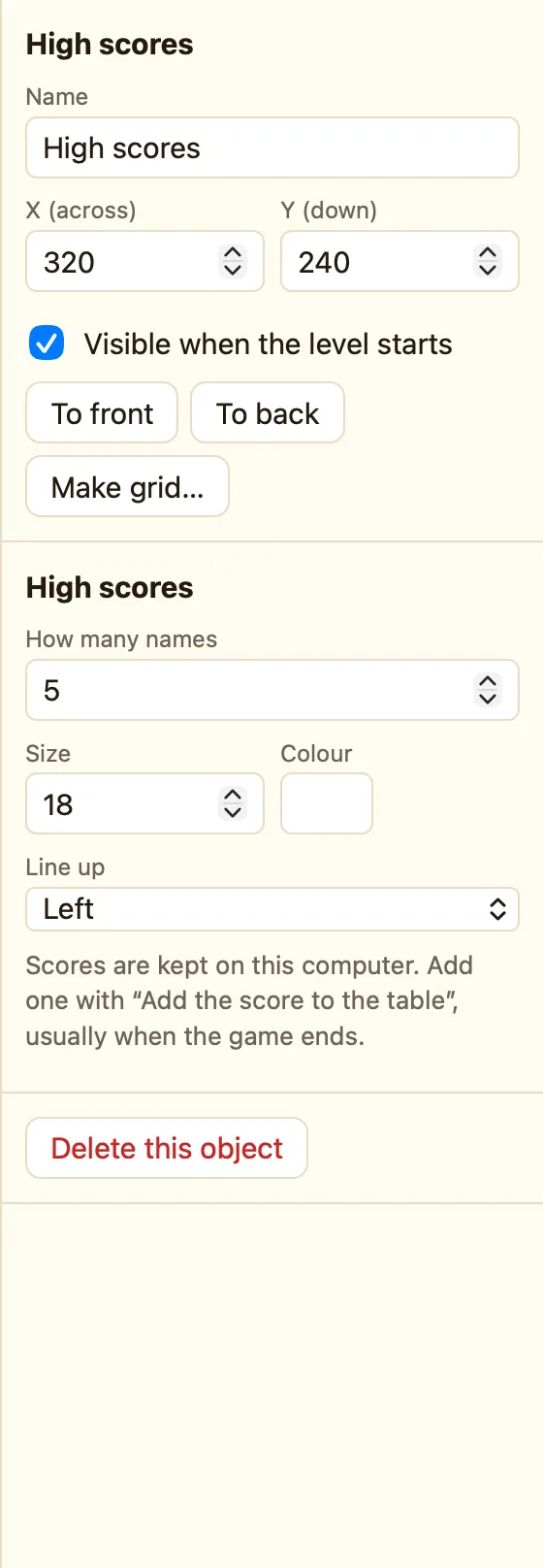
Where they live
A High scores object shows a table of names and scores. The table is not stored in your game. It is stored on the computer the game is played on, under the game's name.
| In NutHouse on a Mac | In the app's own storage. Every time you play, the same table is there. |
|---|---|
| On a shared web page | In that browser's storage on that device. Each player has their own table. |
| In the .nuthouse file | Never. Copy the file to another Mac and the table starts empty. |
Why the game's name matters
Scores are filed under the game's name. Two games with the same name share one table. Rename a game and its old scores look as if they have vanished. They are still filed under the old name.
In-game saves from Save the game work the same way. See Saving inside a game.
How to wipe the table
There is no button in the editor. Use a rule with the action Wipe the table, play it once, then remove the rule.
- On the Events tab click + New event.
- Choose Upon pressing a key and press X.
- In the High scores object's cell add Wipe the table.
- Play the level, press X, stop, and delete the rule.
Adding a score
Use a Text box and Text("Name box") as the name to let the player type their own. See A high score table.
