
What a formula is
Any number box can hold a sum like Score + 10, Random(5) or X("Ball"), so your rules can work things out as they go.
Numbers that change
Most of the time you type a plain number: add 10 to the score, set the speed to 40. A formula is a number that NutHouse works out while the game plays. Instead of 10 you can type Score / 10, and the bonus grows as the score grows.
A formula can use:
| Sums | + - * / and brackets. (Lives + 1) * 100 |
|---|---|
| Game values | Words NutHouse already knows: Score, Lives, Timer, MouseX, MouseY and more. See Game values. |
| Object values | Facts about an object by name: X("Ball"), Speed("Hero"), Count("Brick"). See Object values. |
| Functions | Little helpers: Random(10), Abs(-5), Max(3, 7), Str(42). See Functions. |
Where you can type one
Anywhere a settings dialog has a number box: a score to add, a speed, a position, a time, a comparison. Text boxes take formulas too, for words: "Score: " + Str(Score).
The box checks as you type. A mistake turns red and the sentence at the bottom tells you what is wrong. Fix it before you press Add.
How to
- Make a rule, for example Hero → Collides with another object → Coin.
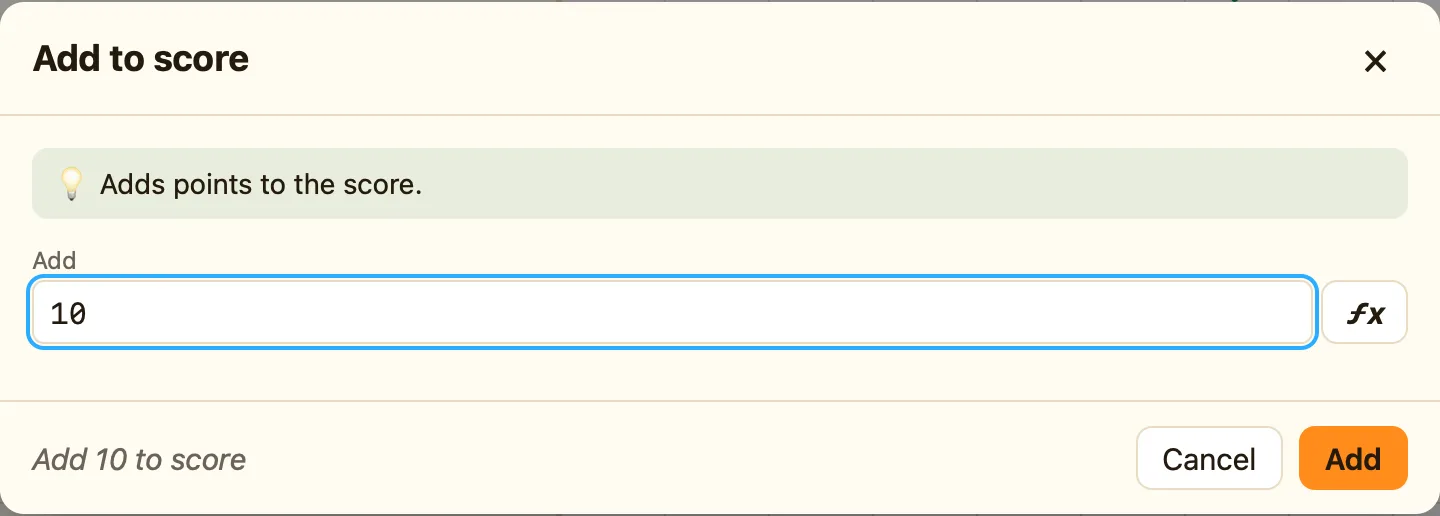
- Click the cell under ☺ Player 1 and choose Add to score.
- In the number box, instead of 10, type
10 + Lives * 5. - Press Add. With three lives, each coin is now worth 25.
Three formulas to start with
Random(10) | A whole number from 0 to 9. Different every time. |
|---|---|
X("Ball") | How far across the ball is. Set something to this and it lines up with the ball. |
Speed("Hero") + 5 | A little faster than the hero is going now. |
The ƒx button
In Advanced and Expert modes a ƒx button sits next to every number box. Click it to pick objects, game values and functions from a list instead of typing. See The ƒx helper.
