
Simple, Advanced and Expert
Three modes change how much NutHouse shows you. Nothing you make is ever hidden, so you can switch whenever you like.
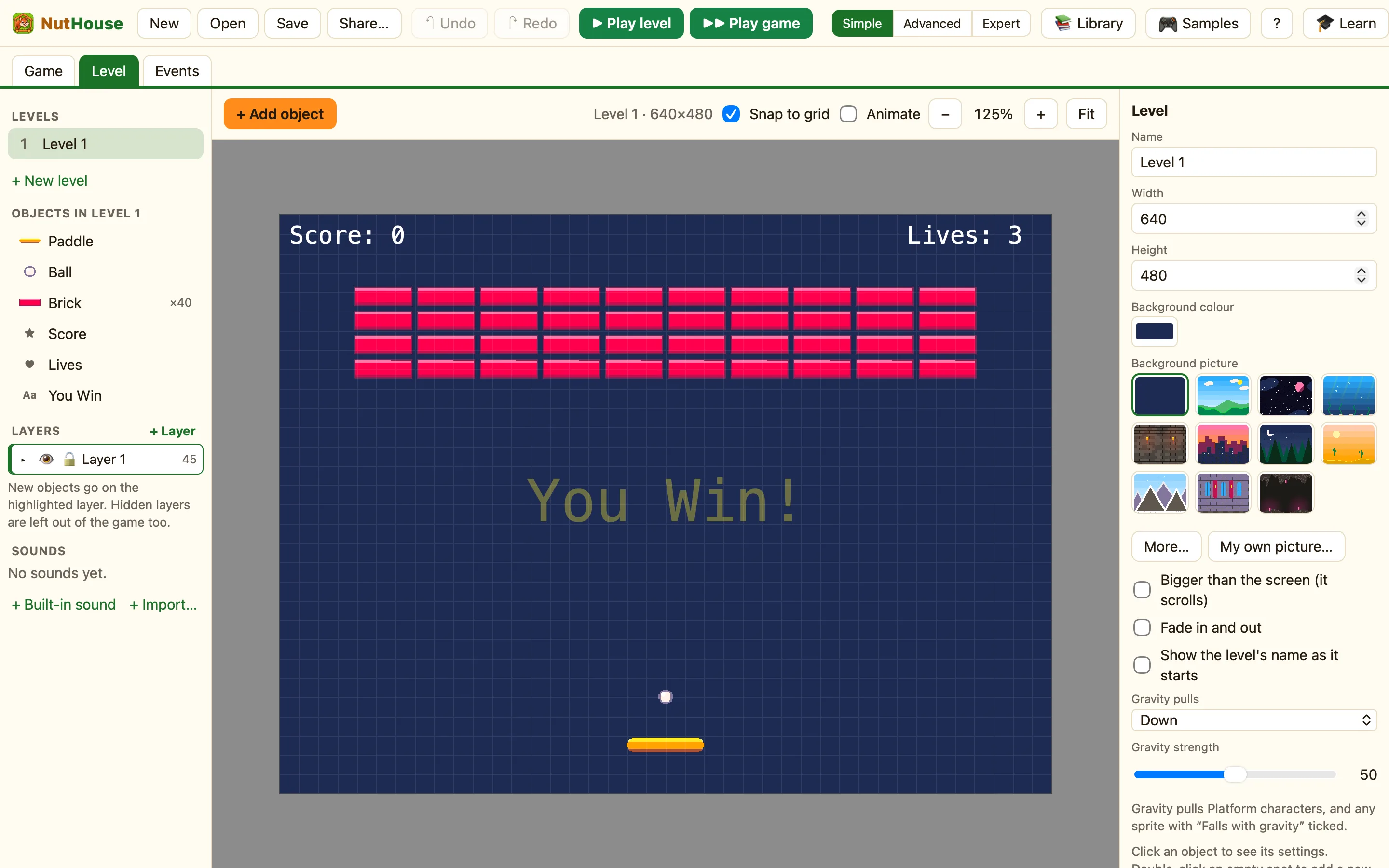
What the modes mean
| Simple | Just the main pieces. Great for starting out. The tutorial works in Simple mode. |
|---|---|
| Advanced | More events, movements and objects. Racing cars, 3D levels, paths, spawners that wander, and more rules in the picker. |
| Expert | Everything: formulas, values, switches and groups. Any number can be a formula like Score + 10. |
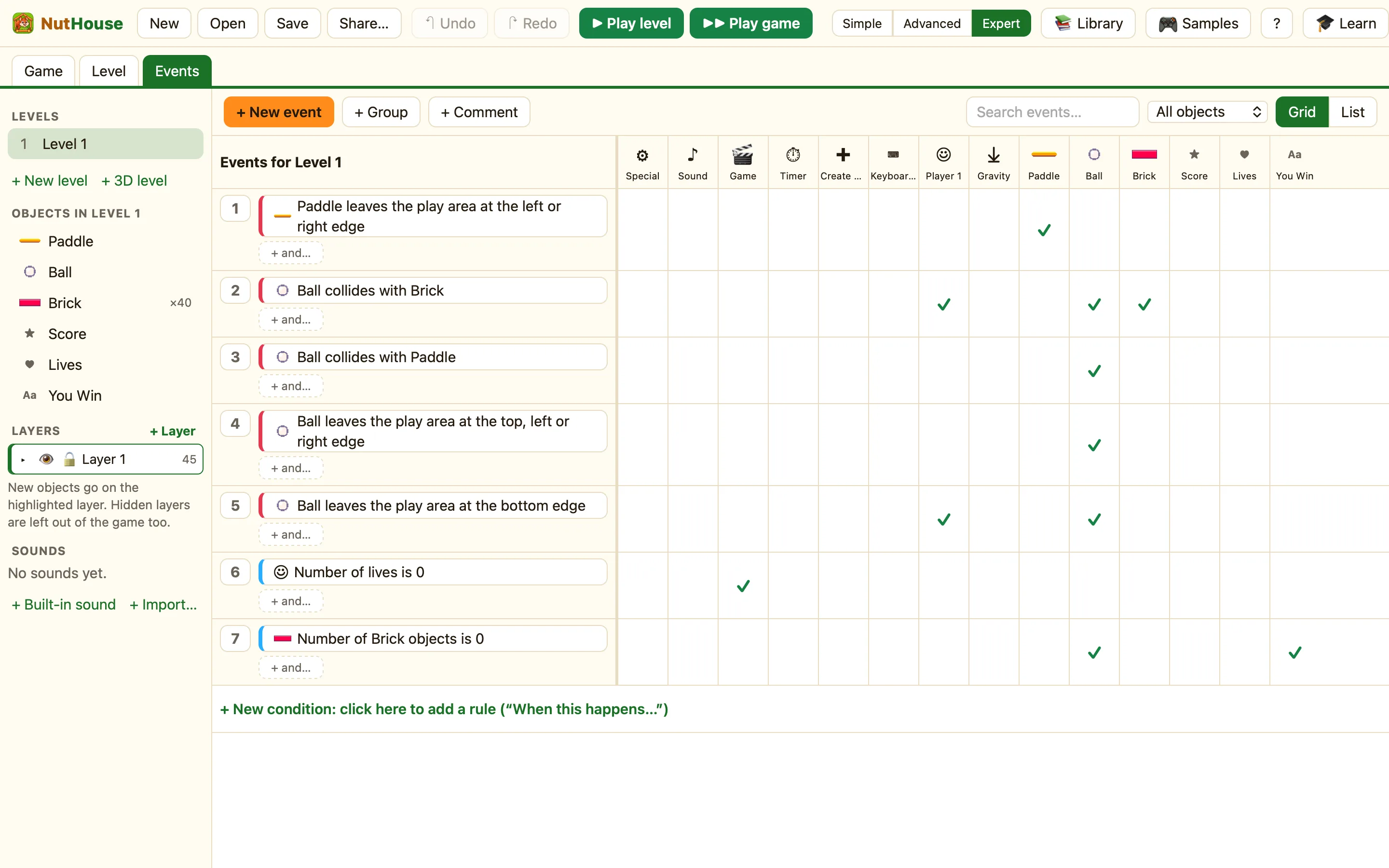
How to change mode
- Click Simple, Advanced or Expert in the toolbar. (It is also in the View menu, and on the Welcome screen.)
- That is it. Your game is exactly the same. Only the menus and panels changed.
What Simple hides
In Simple mode you will not see: + 3D level; the Counter, Health bar and Text box kinds; the Racing car, First-person, Follows a path and Follows the mouse movements; 3D walls; the ƒx formula helper; Speeding up and Slowing down; Waits for “Start moving”; the Groups field; extra lines in a Text object; Looks like on a Button; Works in every level; the picture makers; and Faster when moving faster.
Only Expert shows: On when the level starts, the sprite editor's Hot spot and Action point, 32 directions, values and switches, and turning groups on and off.
Groups, comments, layers and search are in every mode.
