
Your first five minutes
Open Chocobreak, press Play, change one rule, and play again. By the end you will have seen how a NutHouse game is put together.
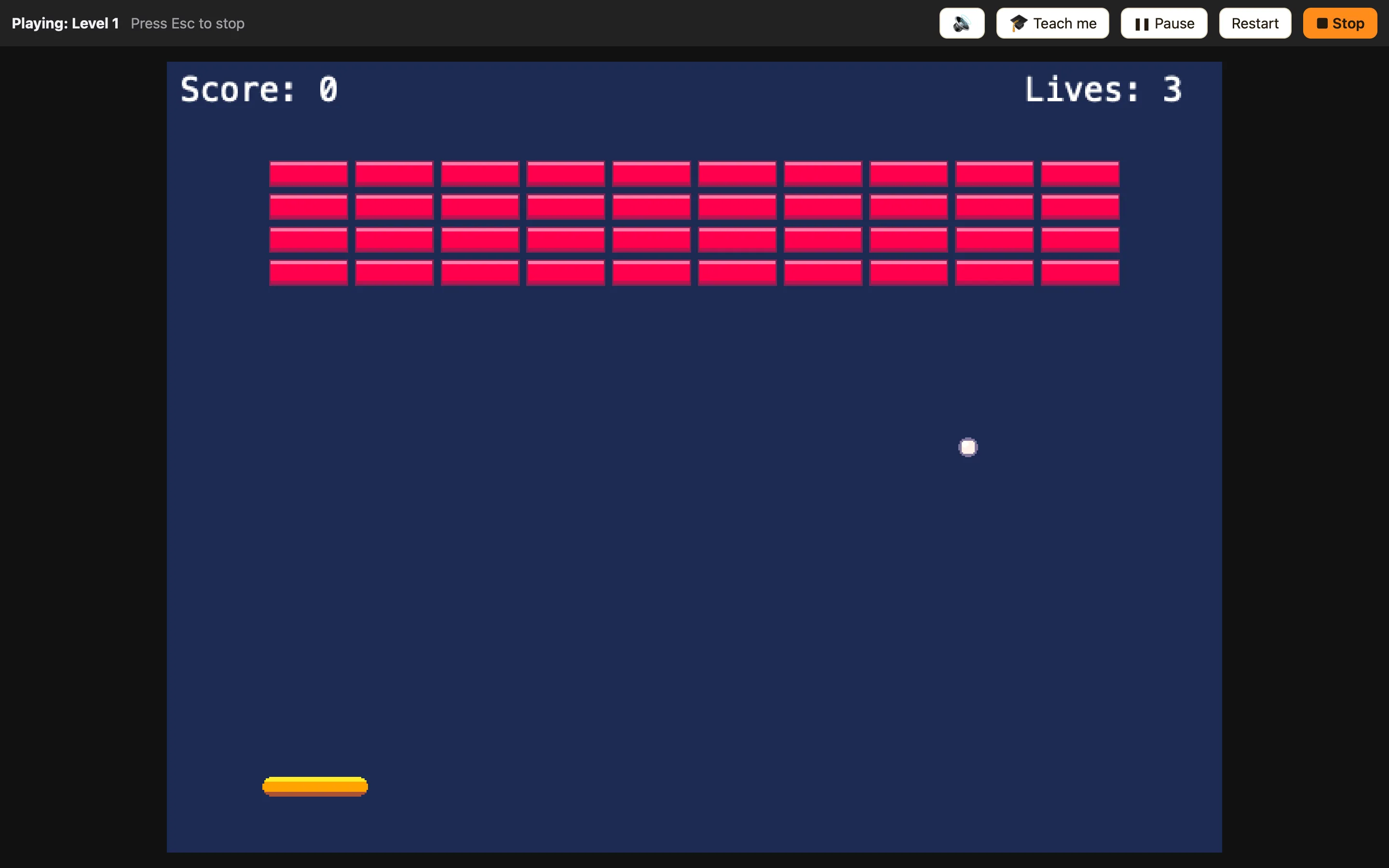
Minute one: open it
- On the Welcome screen, click the Chocobreak card. (Or press 🎮 Samples in the toolbar and click it there.)
- The game opens in the Level tab. The dark box is the level. The paddle, the ball and the bricks are all objects in it.
Minute two: play it
- Press ▶ Play level in the toolbar, or ⌘R.
- Use the ← and → keys to move the paddle. Smash some bricks.
- Press Esc to stop. Playing never changes your game, so try anything.
Minute three: read a rule
- Click the Events tab. Each row is a rule. The chips on the left say when. The ticks across the row say what to do.
- Find the row where the Ball collides with the Brick. Read along it: the Brick is destroyed, the Ball bounces, Player 1 gets points.
WhenBall collides with Brick
DoDestroy BrickBounce BallAdd to score
Minute four: change it
- In that row, click the cell under ☺ Player 1. A little menu shows what Player 1 does.
- Press ✎ next to Add to score. The settings dialog opens, with the number of points.
- Change the number to 50 and press OK.
Minute five: play again
Press ⌘R. Every brick is now worth 50. You changed a game. Press Esc when you are done.
Ready for the full thing? The tutorial builds Chocobreak from an empty level in about 20 minutes: About the tutorial.
