
Your first rule
Make the ball smash a brick and bounce off it, in four clicks.
What we are making
This is the first rule in Chocobreak. Without it, the ball flies straight through every brick.
WhenBall collides with Brick
DoDestroy BrickBounce Ball
You need a level with a Ball and a Brick in it. Both are in the library under Balls & Paddles and Bricks & Blocks.
How to
- Open the Events tab (⌘3) and click + New event.
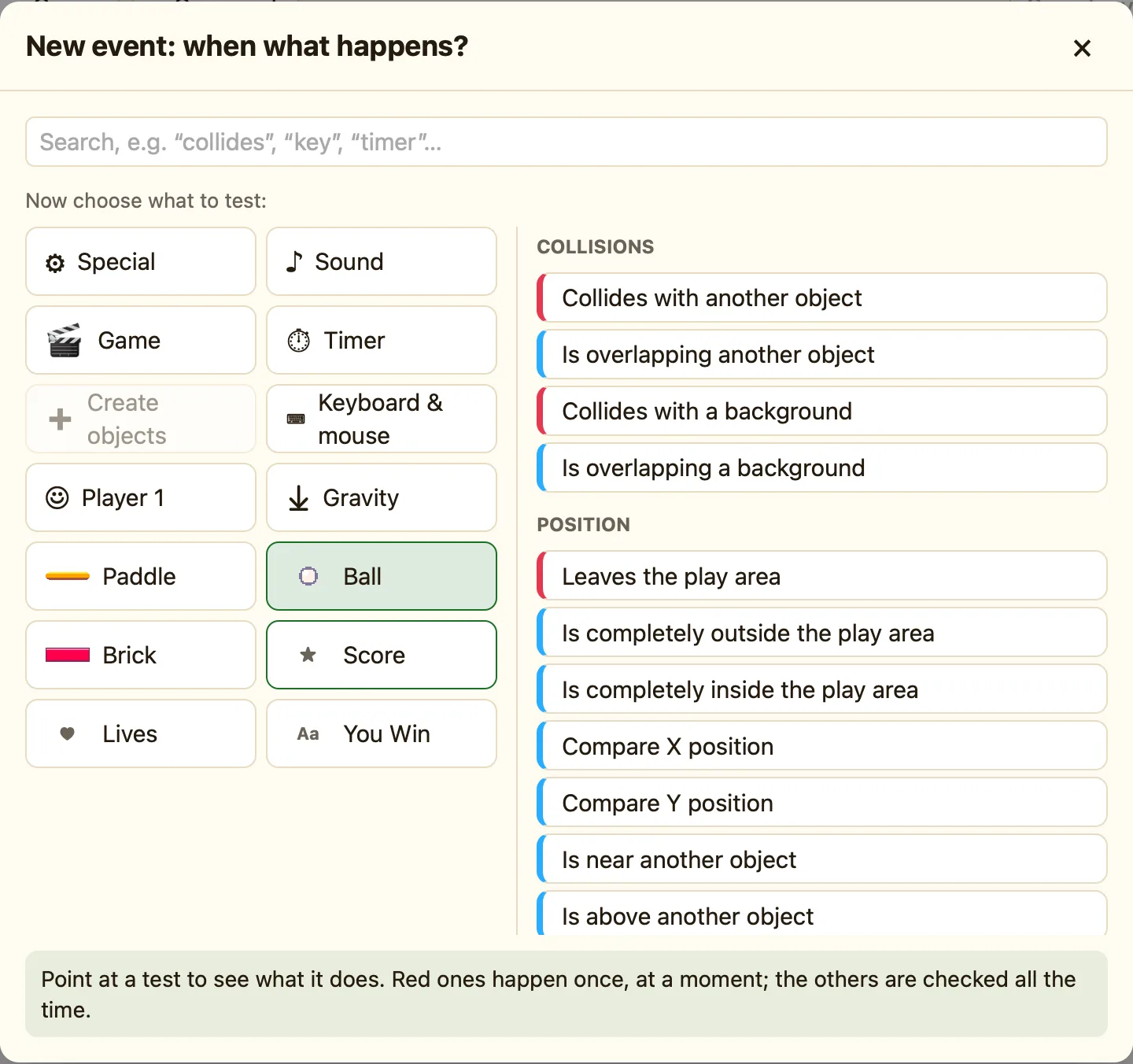
- The picker asks “Which thing do you want to test? Click it.” Click Ball.
- Under “Now choose what to test:”, click Collides with another object. It is red, so it happens once, at the moment they touch.
- The settings dialog opens. Click the picture of Brick, then press Add. A new row appears.
- In that row, click the empty cell under Brick. Choose Destroy.
- Click the empty cell under Ball. Choose Bounce.
- Press ▶ Play level (⌘R) and watch. Press Esc to come back.
What each part means
| Collides with another object | True the moment two objects first touch. Only the ball and the brick that touched are picked. |
|---|---|
| Destroy | Removes the object. Because only the touched brick is picked, only that brick goes. |
| Bounce | Sends the ball back the other way. Balls only bounce when you tell them to. |
