
Play level or Play game
Try one level on its own, or play the whole game from level 1, straight from the toolbar.
Two play buttons
| ▶ Play level (⌘R) | Plays the level you are editing, from its start. Great for testing one thing quickly. |
|---|---|
| ▶▶ Play game (⇧⌘R) | Plays the whole game from level 1, in order, the way a player will see it. |
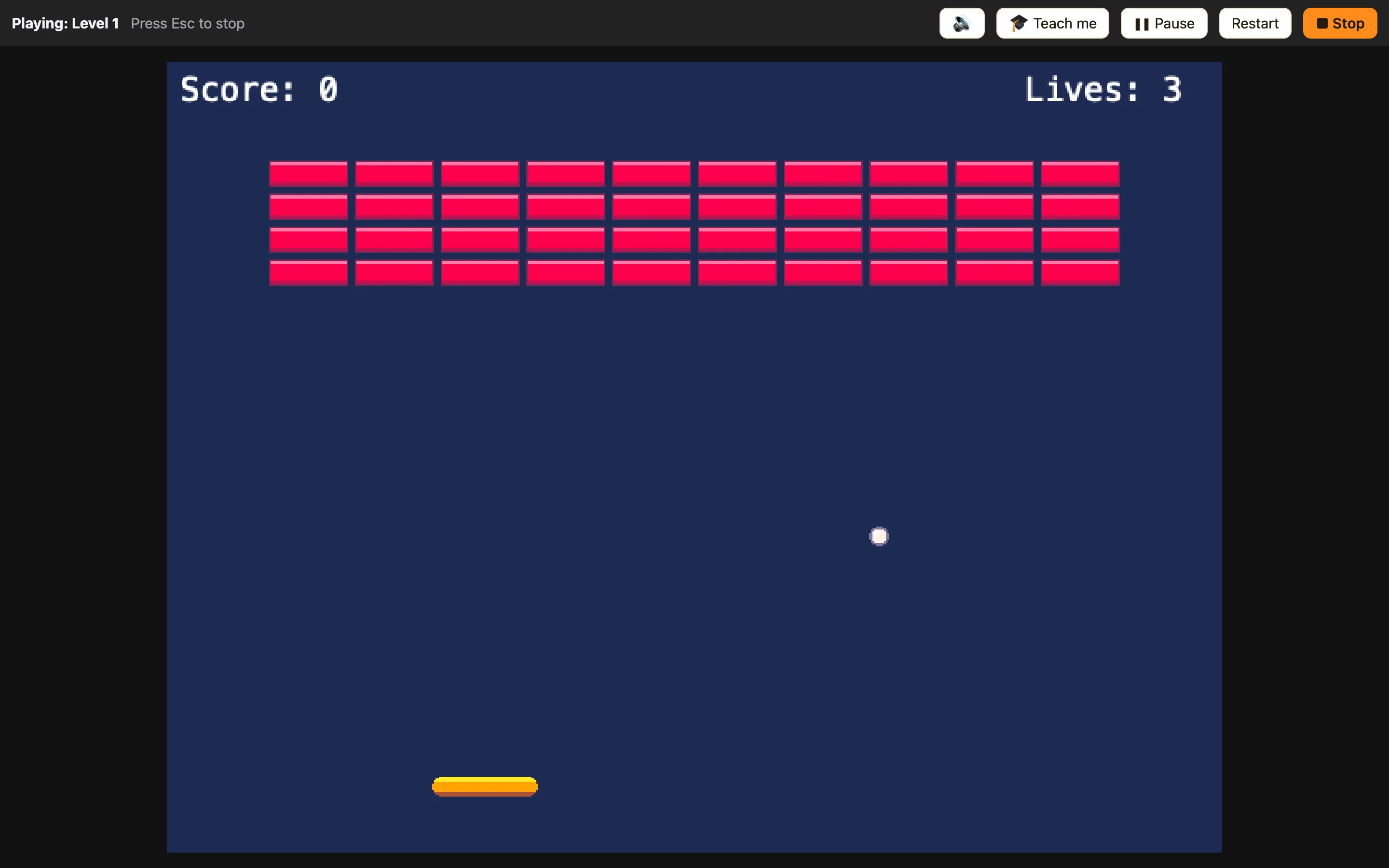
Both are on the toolbar and in the Play menu. The play bar at the top says “Playing: {level}” so you always know where you are.
When to use which
Use Play level most of the time. Change a rule, press ⌘R, see what happens, press Esc, change it again. That loop is how games get made.
Use Play game when you want to check the bits between levels: does Next level go to the right place, does the score carry over, does the game end where you want? See Going to the next level.
How to test a rule
- Open the Events tab and change the rule.
- Press ⌘R. The Play panel opens on the level you are editing.
- Play until you reach the moment the rule should fire.
- Press Esc to stop. NutHouse takes you back to where you were.
Playing never changes your game
NutHouse plays a copy of your game. Coins you collected are back when you stop. Sprites you destroyed are back. The score is reset. You cannot break a game by playing it.
