
Ask the player’s name
By the end your game will ask for a name, wait for Enter, and say "Hello, Sam!" with whatever was typed.
What you need
The Text box is Advanced. Switch to Advanced mode.
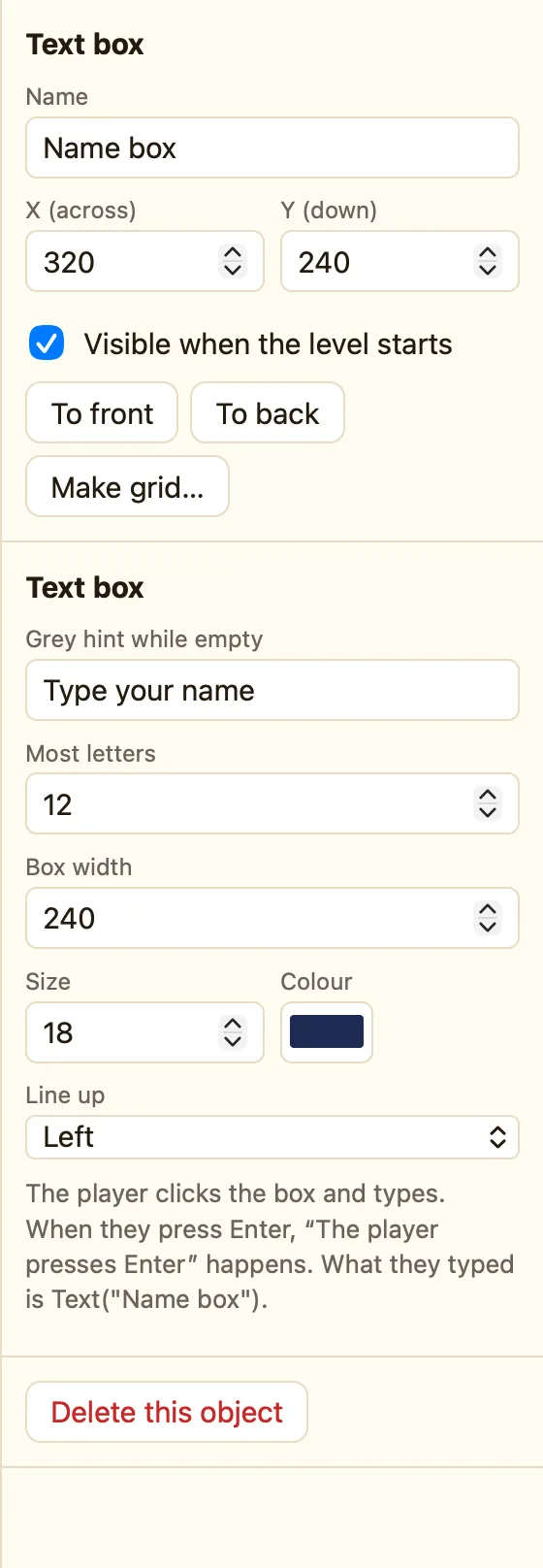
| Text box | + Add object → New → Text box. Grey hint while empty: Type your name. Most letters: 12. Name it Name box. |
|---|---|
| Question | A Text saying What's your name? |
| Greeting | A Text with empty Words, big size. Name it Greeting. |
| Sound | Click. |
Build it
- Put the question near the top, the Name box under it, and the Greeting lower down.
- Events tab → + New event → 🎬 Game → Start of level. In Name box choose Start typing in it. Now the player can type straight away.
- + New event → Name box → The player presses Enter.
- In the Greeting cell choose Set the text. In Text, type exactly:
"Hello, " + Text("Name box") + "!" - Add Hide for the Name box and the question. Play Click.
- Press ▶ Play level. Type a name and press Enter.
WhenStart of level
DoStart typing in Name box
WhenThe player presses Enter in Name box
DoSet text of Greeting to "Hello, " + Text("Name box") + "!"Hide Name boxHide the questionPlay sound Click
How the formula works
Text("Name box") is what the player typed. Words in straight quotes are joined on with +. Click ƒx and open Objects → Name box to insert it without typing.
Why Enter, not Always
The player presses Enter is red. It happens once, when the typing is done. A rule that read the box every moment would greet half a name, letter by letter.
Make it yours
- Keep the name for later: put the Greeting on every level, hidden, and set it again on Start of level. Or use a High scores table at the end with the same
Text("Name box"). - Shout it:
"GO, " + Text("Name box") + "!"on the first game level. - Say no to empty names: add Compare two values
Len(Text("Name box"))> more than 0.
