
Built-in sounds
Seventeen ready-made sounds and tunes, made by code so they take up almost no room in your game.
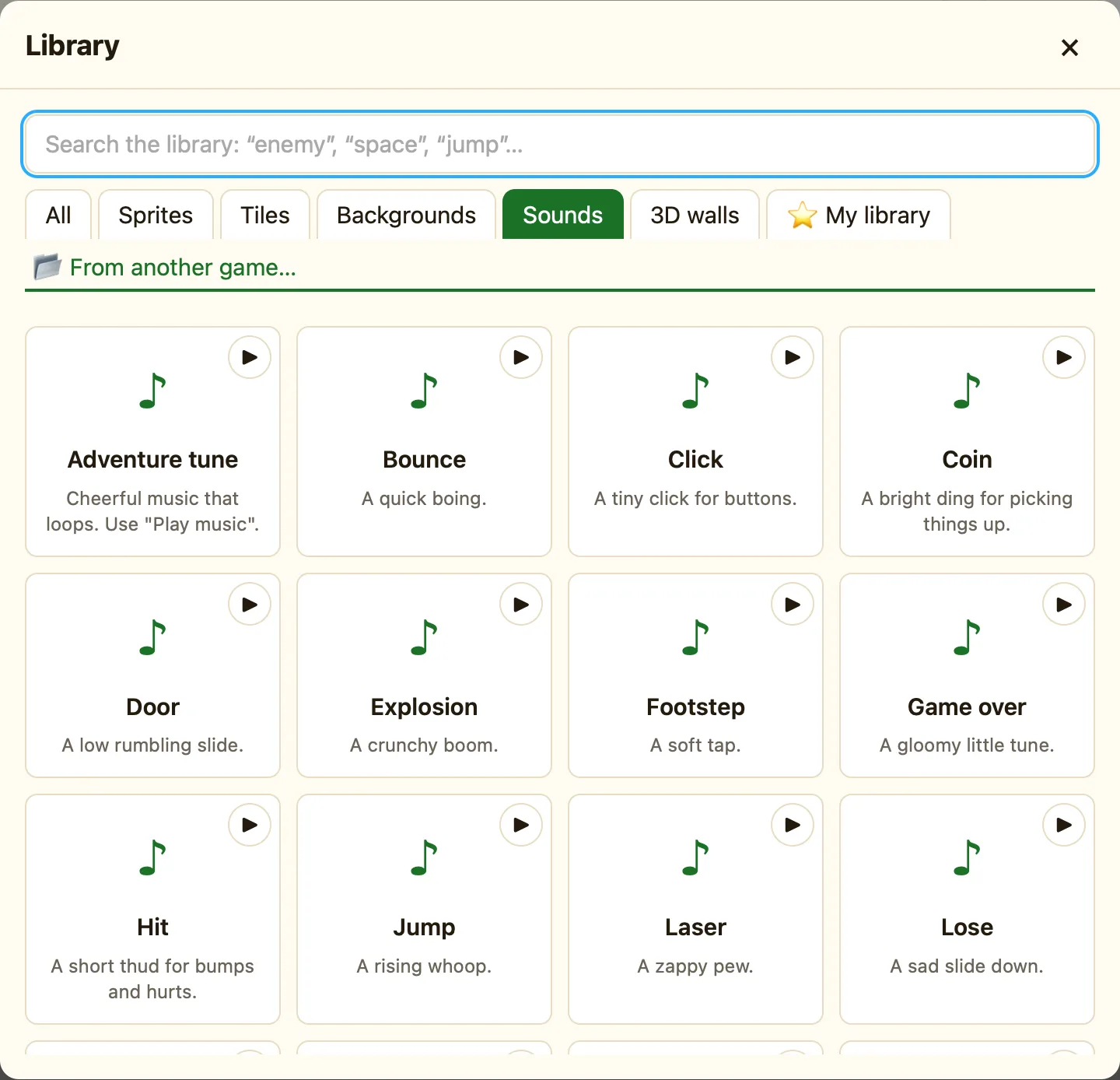
What is in the box
NutHouse comes with 15 short sound effects and 2 tunes. They are made by code, not recorded, so they add almost nothing to the size of your .nuthouse file or your shared web page.
| Bounce, Hit, Click, Footstep, Splash | Small bumps and taps for balls, feet and buttons. |
|---|---|
| Coin, Power up, Win | Happy sounds for collecting things and finishing levels. |
| Jump, Laser, Explosion, Door | Actions: jumping, shooting, blowing up, opening. |
| Lose, Power down, Game over | Sad sounds for losing a life or the game. |
| Adventure tune, Spooky tune | Music that loops. Play these with Play music (loops). |
How to add one to your game
- In the sidebar, find SOUNDS. It says No sounds yet. in a new game.
- Click + Built-in sound. The library opens on the Sounds tab.
- Click ▶ on a card to listen to it.
- Click the card. The toast says Added the sound “Coin” and it appears under SOUNDS.
Add only the sounds you use. A rule can only play sounds that are in the list. Click ▶ next to a sound in the sidebar to hear it again, or ✕ to remove it.
Finding the right one
Type in the library search box, like jump or spooky. The All tab shows sounds mixed in with sprites and tiles, so switch to Sounds to see only these.
