
Music and volume
Start a tune that loops for the whole level, and turn the music or the effects up and down from a rule.
Music loops, sounds do not
Play music (loops) plays a tune over and over in the background. Only one tune plays at a time. Starting a new one stops the old one, so switching tunes between levels is a single action.
Sound effects are separate. A coin can clink over the top of the music without stopping it. NutHouse keeps the two apart, each with its own volume.
How to add music to a level
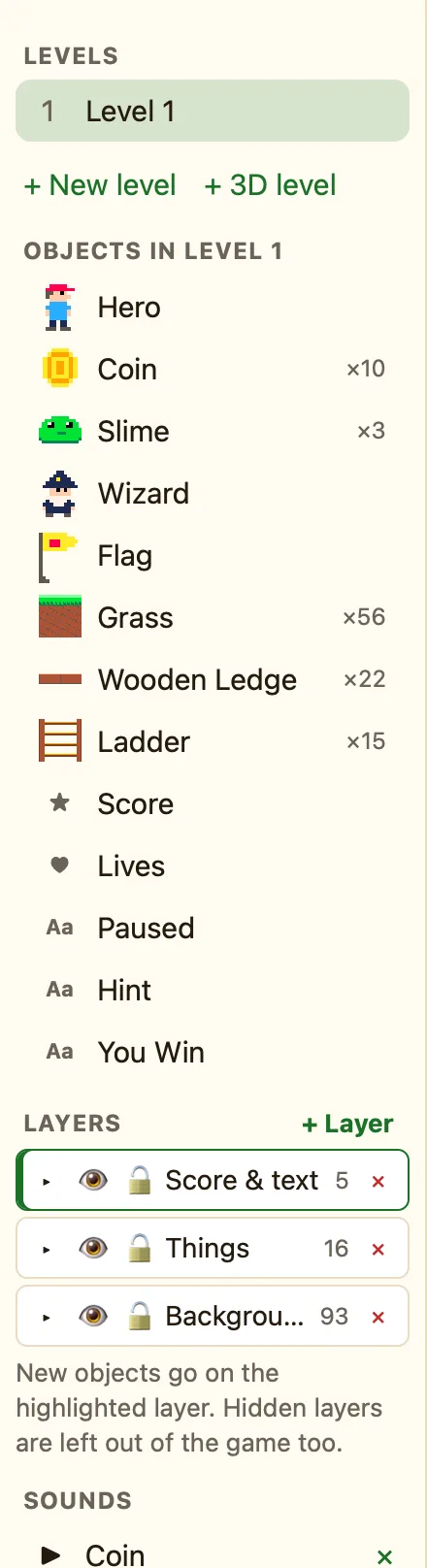
- In the sidebar, click + Built-in sound and add Adventure tune or Spooky tune. Or import your own.
- In the Events tab, click + New event, choose ⚙ Special and Start of level.
- Click the ♪ Sound cell and choose Play music (loops). Pick the tune and click Add.
- Press ▶ Play level.
Music carries on from one level to the next. If each level has its own Start of level rule with a different tune, it changes. If a level has none, the old tune keeps playing.
Volume
Set the volume turns music or sound effects up or down. Its settings are Of (Music or Sound effects) and Volume from 0 to 100. 0 is silent and 100 is full. Both start at 100.
Quiet music under loud effects usually sounds best. Try music at 40 and effects at 100.
Is music playing?
Music is playing is true while a tune plays. Make it the opposite with NOT, and you have "when the music stops". That is how to play a list of tunes one after another, or to show a message when a one-off piece finishes.
