
Hot spot and action point
The hot spot is the one pixel that counts as where a sprite is. The action point is where its shots come out. Expert mode.
What the hot spot is
A sprite's X (across) and Y (down) are the position of one pixel in its picture: the hot spot. Everything is measured from it. Set position puts the hot spot on the spot you chose. A picture turned by the makers turns round the hot spot. New pictures start with it in the centre.
For a walking hero, the feet are a better choice. Then "Set Y to 300" puts the feet at 300, whatever size the picture is.
What the action point is
The action point is where shots appear. Shoot an object and Shoot at another object create the new object there. Put it at the end of the gun, or the tip of the wand, and lasers come out of the right place. It starts at the middle of the right edge.
Where to find them
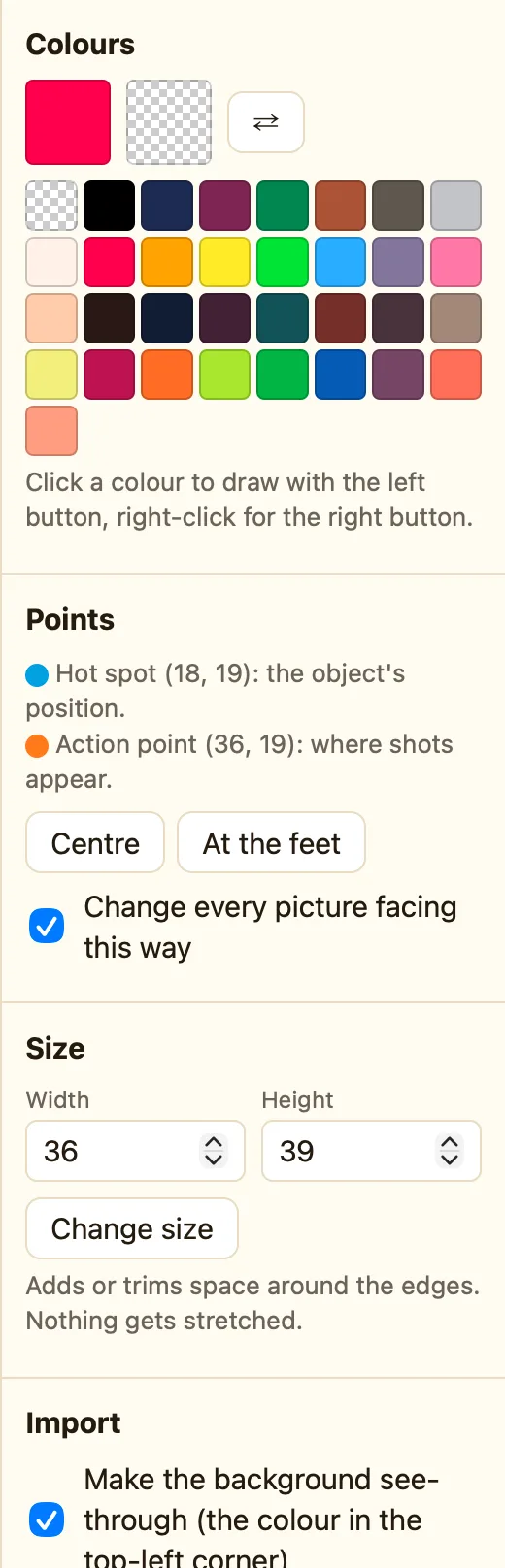
Switch the toolbar to Expert. Two extra tools appear under the colour picker, one for the hot spot and one for the action point. The Points section in the side panel shows the numbers: Hot spot (16, 31): the object's position. and Action point (32, 16): where shots appear.
How to move them
- Pick the hot spot tool, or the action point tool.
- Click the pixel where it should be. The dot moves there.
- Or click Centre to put the hot spot in the middle, or At the feet for the bottom centre.
- Tick Change every picture facing this way first to move it in every picture of this animation and direction at once.
What the settings mean
| Centre | Hot spot in the middle of the picture. |
|---|---|
| At the feet | Hot spot at the bottom, in the middle. |
| Change every picture facing this way | Ticked, the buttons and clicks change all the pictures in this direction, not only the one showing. |
