
Onion skin and speed
See a ghost of the picture before while you draw the next one, and choose how many pictures a second to show.
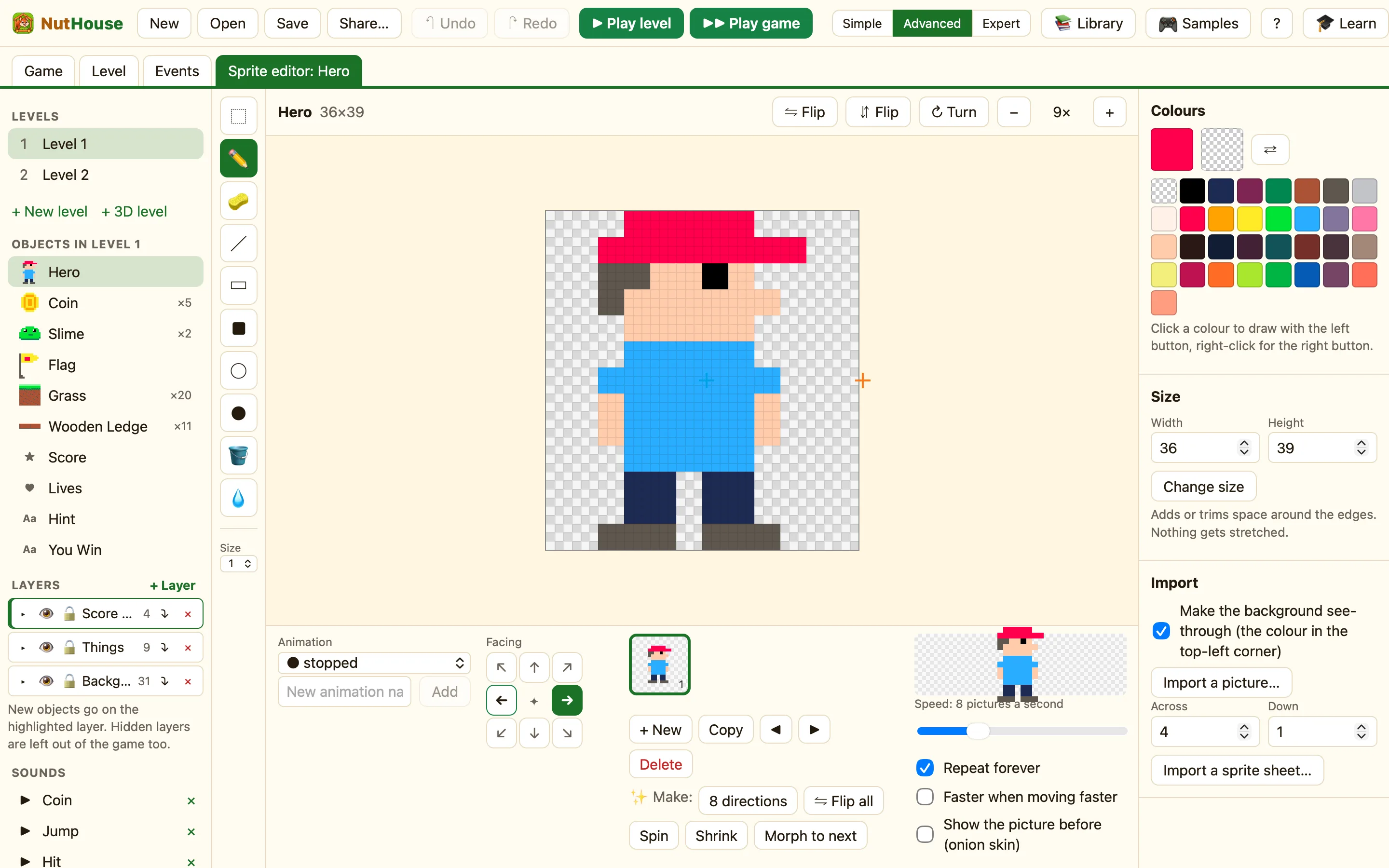
Onion skin
Tick Show the picture before (onion skin) under the preview. The picture before the one you are drawing shows through faintly, like tracing paper. Draw the new pose on top of the ghost and the legs land in the right place.
It only shows while you edit. It never appears in the game. It also does nothing on the first picture, because there is nothing before it.
How to draw the next walking pose
- Pick walking in the Animation list and click the last picture.
- Click + New for an empty picture.
- Tick Show the picture before (onion skin). The last pose shows faintly.
- Draw the body on top of the ghost, then move the legs and arms.
- Untick it to check the picture on its own.
Speed
Speed: N pictures a second is how fast the animation plays, from 1 to 30. The preview on the right plays at that speed so you can judge it.
| 1 to 4 | Slow. A blinking light, a bobbing fish, an idle sway. |
|---|---|
| 6 to 10 | Walking and running. The library Hero walks at 8. |
| 12 to 30 | Fast. Explosions, sparkles, a spinning coin. |
The other two ticks
| Repeat forever | Ticked, the animation loops. Unticked, it plays once and stops on the last picture. Unticked is what you want for Animation has finished. |
|---|---|
| Faster when moving faster | Walking legs move faster when the sprite goes faster. Hidden in Simple mode. |
Changing speed from a rule
- Set the animation speed makes it faster or slower while the game plays. A tired hero walks at 3.
- Stop the animation freezes it on the picture showing. Start the animation again sets it going again.
WhenHero collides with Potion
DoDestroy PotionSet the animation speed of Hero to 16
