
My shared game is big
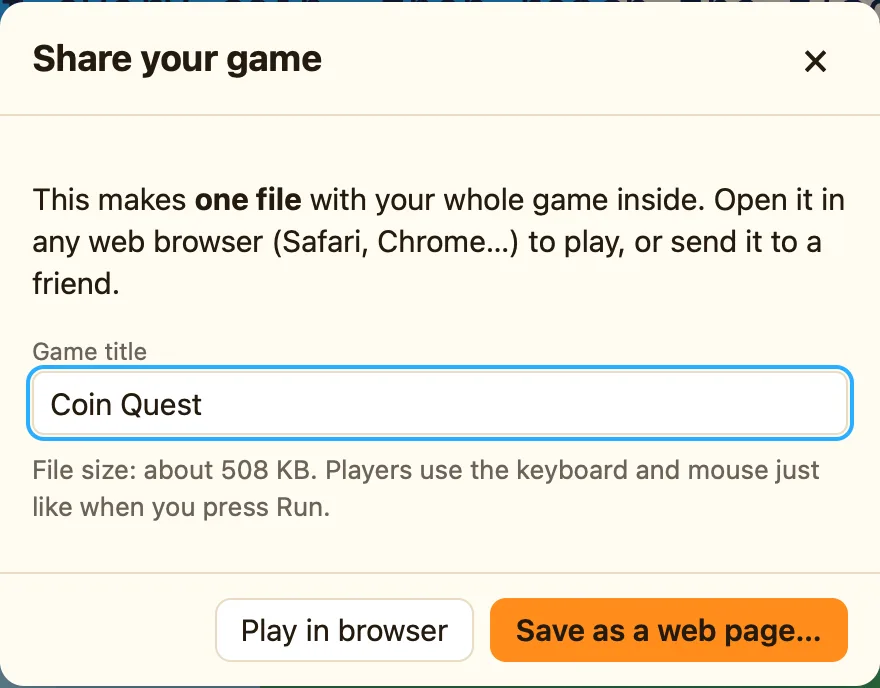
The Share dialog says the file is many megabytes, and it is slow to send or open.
Check these first
- Imported pictures. A photo or a big background from My own picture… is the usual cause. NutHouse warns over about 3 MB. Shrink the picture in Preview first, or use a background from the library.
- Imported sounds. Each sound can be up to 2 MB, and music adds up fast. Use the built-in sounds, or a shorter .ogg or .mp3 instead of a .wav.
- Big sprites. A sprite imported from a photo is far larger than one drawn in the Sprite editor. Open it, click Size, and use Change size to trim it.
- Objects you no longer use. Check OBJECTS IN {level} on every level, and delete sprites and sounds that nothing uses.
- Copies, not links. Library art stays small because NutHouse stores it once. Imported art is stored in full inside every game that uses it.
Why it happens
Sharing makes one file with your whole game inside, so it works anywhere with nothing to install. Everything you imported is copied in: every picture, every sound. Library sprites and sounds are tiny. Photos and long audio are not, and they are what pushes the size up.
