
The file will not open
You chose Open, picked your game, and NutHouse showed an error instead of the level.
Check these first
- "This file is not a NutHouse game (it is not valid JSON)." The file is not a game file, or it was changed by another app. Check the name ends in .nuthouse. A shared web page (.html) is for playing, not opening. Make sure you picked the right file.
- "This game file is damaged at …" Part of the file is broken, often after a copy that did not finish, or an email that changed it. Try the copy you have elsewhere: a backup, the original on another Mac, or an earlier version.
- Was it saved before the app was called NutHouse? Rename the ending to .nuthouse in Finder and open it again. See Opening older files.
- Is it still on a USB stick or in the cloud? Copy it onto the Mac first, then open the copy.
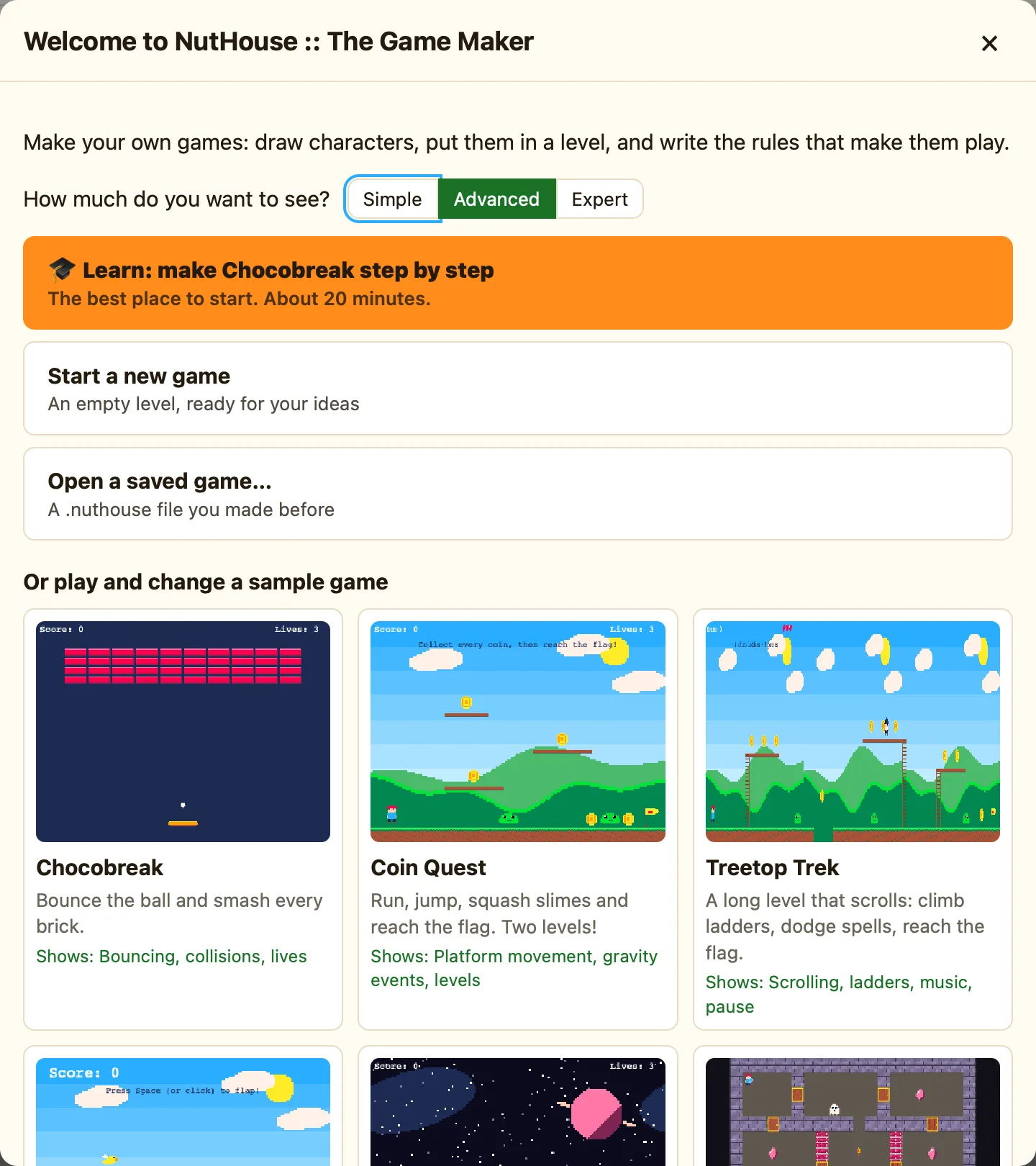
- Did NutHouse crash before you saved? NutHouse autosaves every 30 seconds. Open NutHouse again and look for Get back unsaved work on the Welcome screen.
- Opening from a browser? The browser version also accepts .json, and may download instead of open. Use the Mac app for your saved games.
Why it happens
A .nuthouse file is one long text in a strict format. If anything outside NutHouse edits it, or a copy stops half-way, the format breaks. The first error means the file is not that format at all. The second means it started right but went wrong part-way, and the message says where.
