
The sound does not play
Your rule says Play a sound, but you hear nothing.
Check these first
- Is NutHouse muted? Look at the Play bar at the top of the game. The speaker button toggles between 🔊 and 🔇. Click it so it shows 🔊. Check the Mac's volume too.
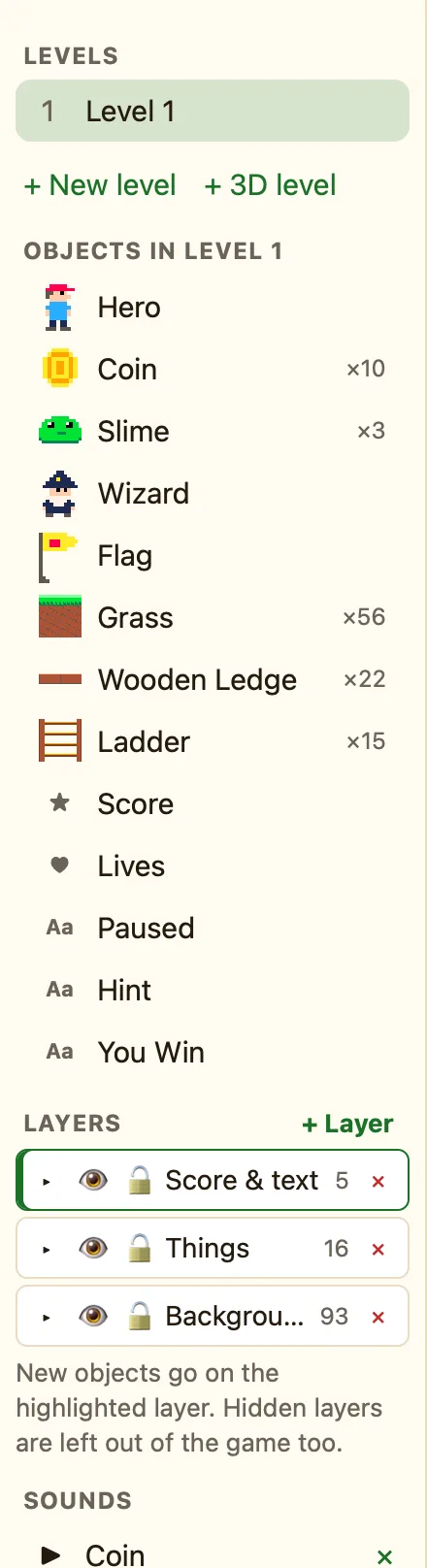
- Is the sound in the game? Sounds must be added first. In the sidebar, SOUNDS should list it. If it says "No sounds yet.", click + Built-in sound or + Import…. Then open the rule's action and pick the sound.
- Does the action say which sound? Click the ✓ cell, then ✎ next to Play a sound. If the sound select is empty, pick one and click OK.
- Does the rule ever fire? Add Add to score 1 to the same rule. If the score does not change, the rule is the problem. See My rule does nothing.
- Is it playing too often? A sound on a condition that is true every moment restarts 60 times a second and sounds like a buzz. Use a red condition like Collides with, or add Only once while this keeps happening.
- Did Stop all sounds run? Search the Events tab for Stop. A Stop all sounds or Set the volume 0 somewhere will silence everything.
- Imported file? NutHouse can use .wav, .ogg or .mp3 under 2 MB. The import shows an error otherwise.
Why it happens
A game only knows the sounds in its SOUNDS list, and a rule only plays the one you chose in its settings. Sounds are quick to set up but easy to leave half done: added but not chosen, or chosen before the mute button was pressed.
