
Autosave and getting work back
NutHouse keeps a copy of your game every 30 seconds, and the Welcome screen offers it back if something goes wrong.
What autosave does
While you work, NutHouse quietly keeps a spare copy of your game every 30 seconds, and once more when you close it. This copy is not your .nuthouse file. It lives on this Mac, in NutHouse's own storage, and there is only ever one.
If NutHouse is closed before you save, or the Mac loses power, that copy is still there.
How to get work back
- Open NutHouse. The Welcome screen appears.
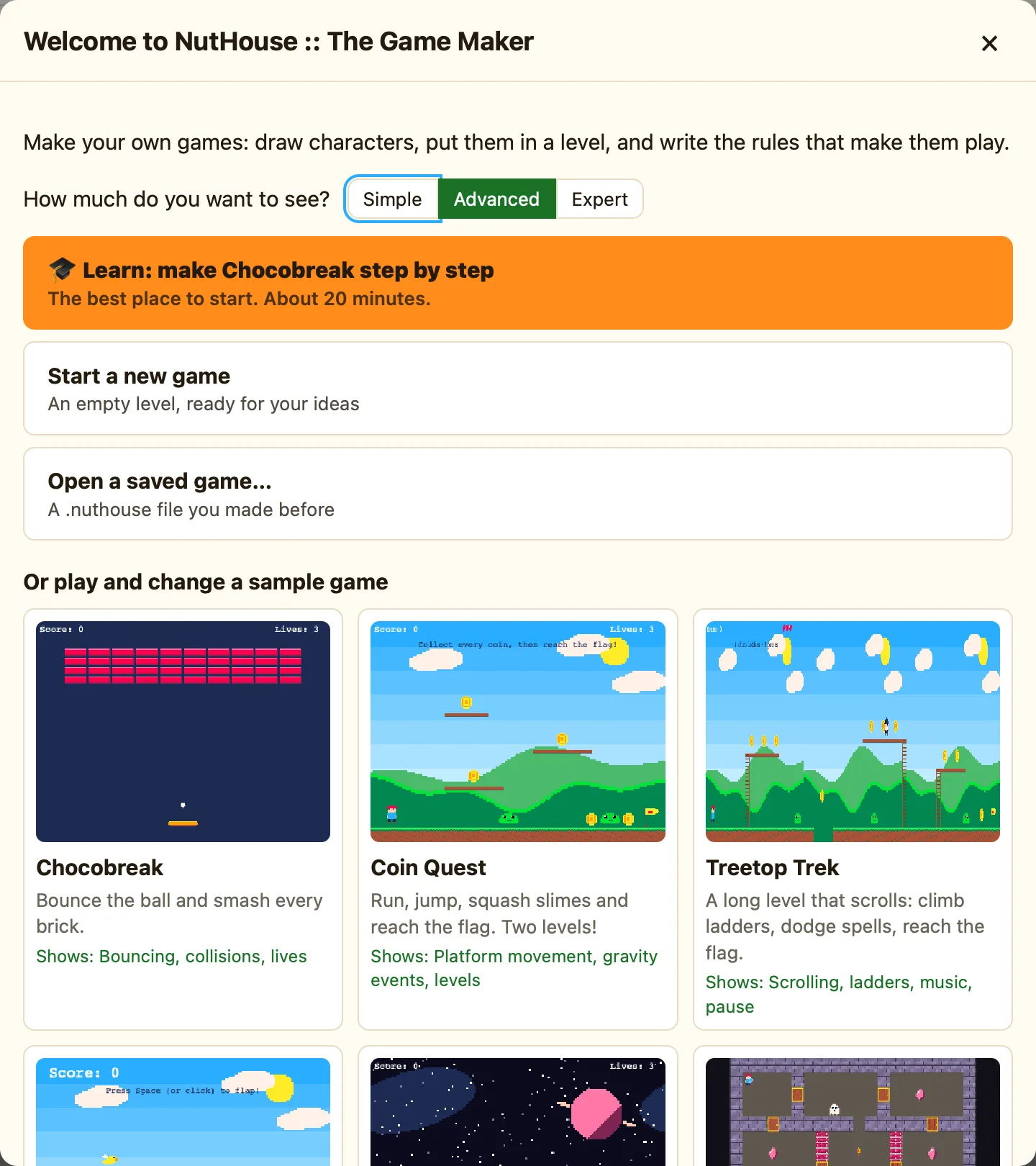
- If there is an autosave, a button says Get back unsaved work, with the game's name and the date and time underneath.
- Click it. Your game opens where you left off.
- Press ⌘S straight away to save it properly as a .nuthouse file.
What autosave is not
| Not a saved file | It is one spare copy, replaced every 30 seconds. Saving with ⌘S is still the real thing. |
|---|---|
| Not a history | It does not keep old versions. For that, use Save As… to make copies. |
| Not shared | It stays on this Mac. Another Mac, or the browser version, has its own. |
When it goes away
The autosave is cleared when you save your game. The next time you open NutHouse the button is not there, because there is nothing to get back. That is good news.
