
Question
A quiz question with answers to click. One is right. You decide what happens for right, wrong and try again.
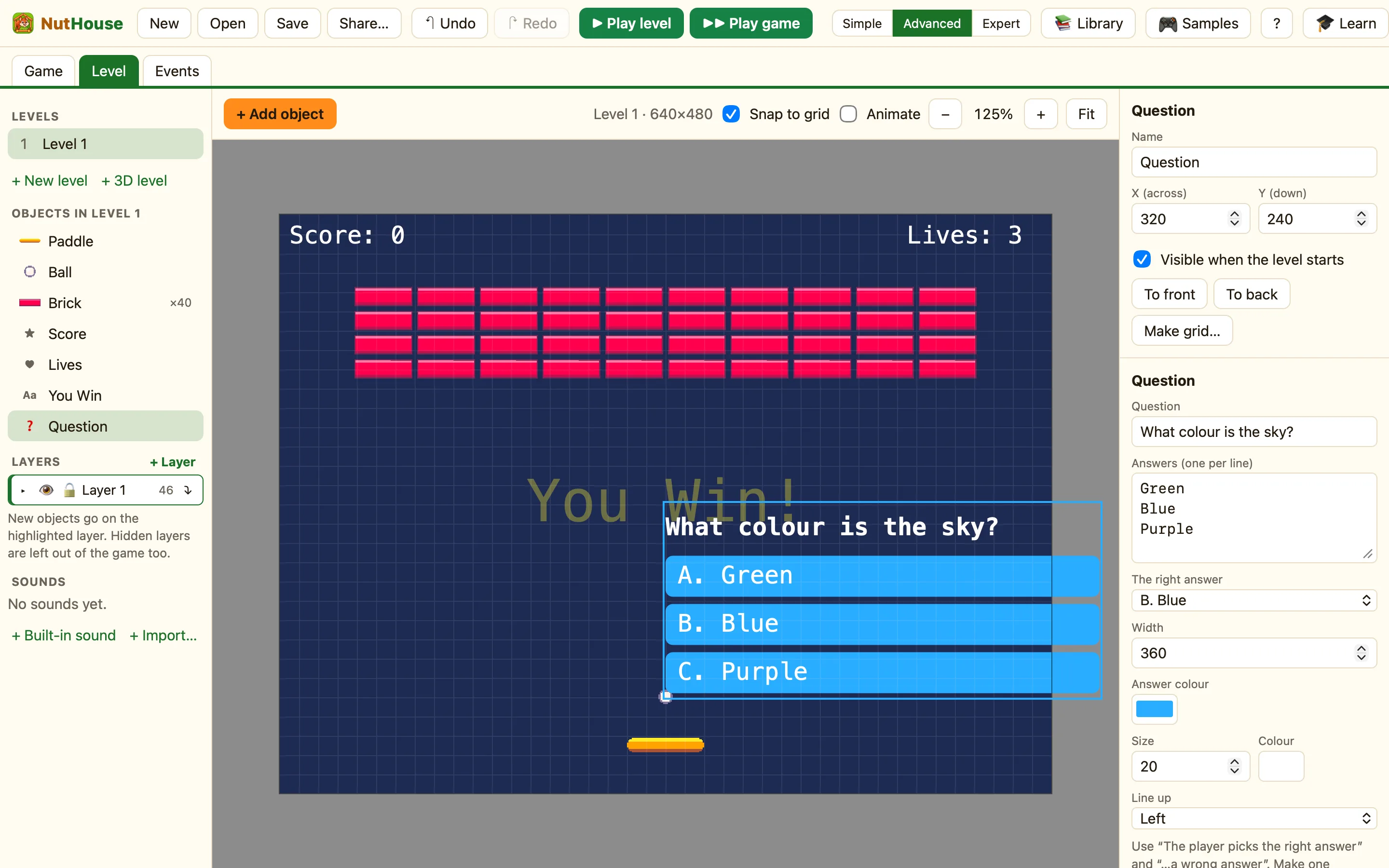
What a question is
A quiz question with answers to click. One is right! You type the question, up to eight answers, and say which one is correct. NutHouse draws the buttons. You write what happens next.
Question appears in every mode.
How to add one
- Click + Add object, then New, then Question.
- Type the Question, like What is 7 × 8?
- Type the Answers, one per line: 54, 56, 63.
- Set The right answer to B.
- In the Events tab add rules for right and wrong.
What the settings mean
| Question | The words at the top. |
|---|---|
| Answers (one per line, up to 8) | Each line becomes a button. They are lettered A., B., C.… |
| The right answer | Which letter is correct. |
| Width | How wide the question and answers are. |
| Answer colour | The colour of the answer buttons. |
| Style | Size and colour of the writing. |
Rules for questions
The player picks the right answer The player picks a wrong answer Ask it again
WhenThe player gets Sums right
DoAdd 10 to scorePlay sound WinGo to the next level
WhenThe player gets Sums wrong
DoSubtract 1 from livesPlay sound LoseAsk Sums again
Once an answer is clicked the question is finished. Ask it again clears it so the player can have another go. Both tests are red, so they happen once per click.
A whole quiz
The easy way is one question per level. Put a Question in each level, and the right-answer rule does Next level. Five levels is a five-question quiz. See A quiz.
