
Play with a friend online
A friend joins your game from their own computer and plays as Player 2. You read a five-letter code to them, that is all.
Before you start
- The game needs Two players on one keyboard ticked in game settings, and a sprite set to Player 2.
- You (the host) need to be signed in, in the browser version. Your friend needs nothing: no account, no download.
- 3D levels work too: your friend sees the maze through your eyes.
Hosting
- Press Play level or Play game.
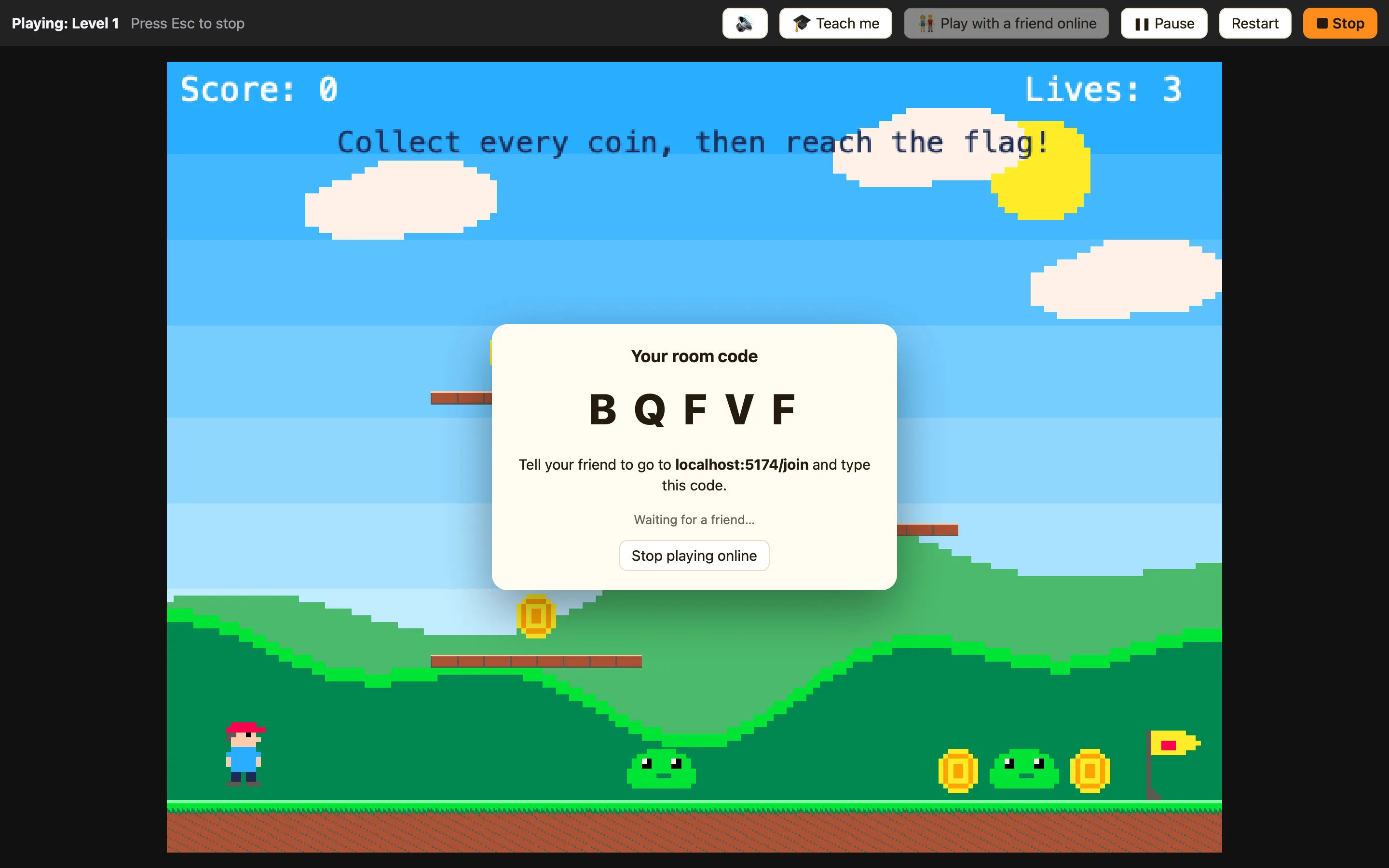
- Press 👫 Play with a friend online on the play bar. A room code appears, like K R M P T.
- Tell your friend to go to app.playnuthouse.com/join and type the code.
- When they arrive, press Start.
A game you have put online can be hosted from its own page too: the 👫 button is in the corner.
Joining
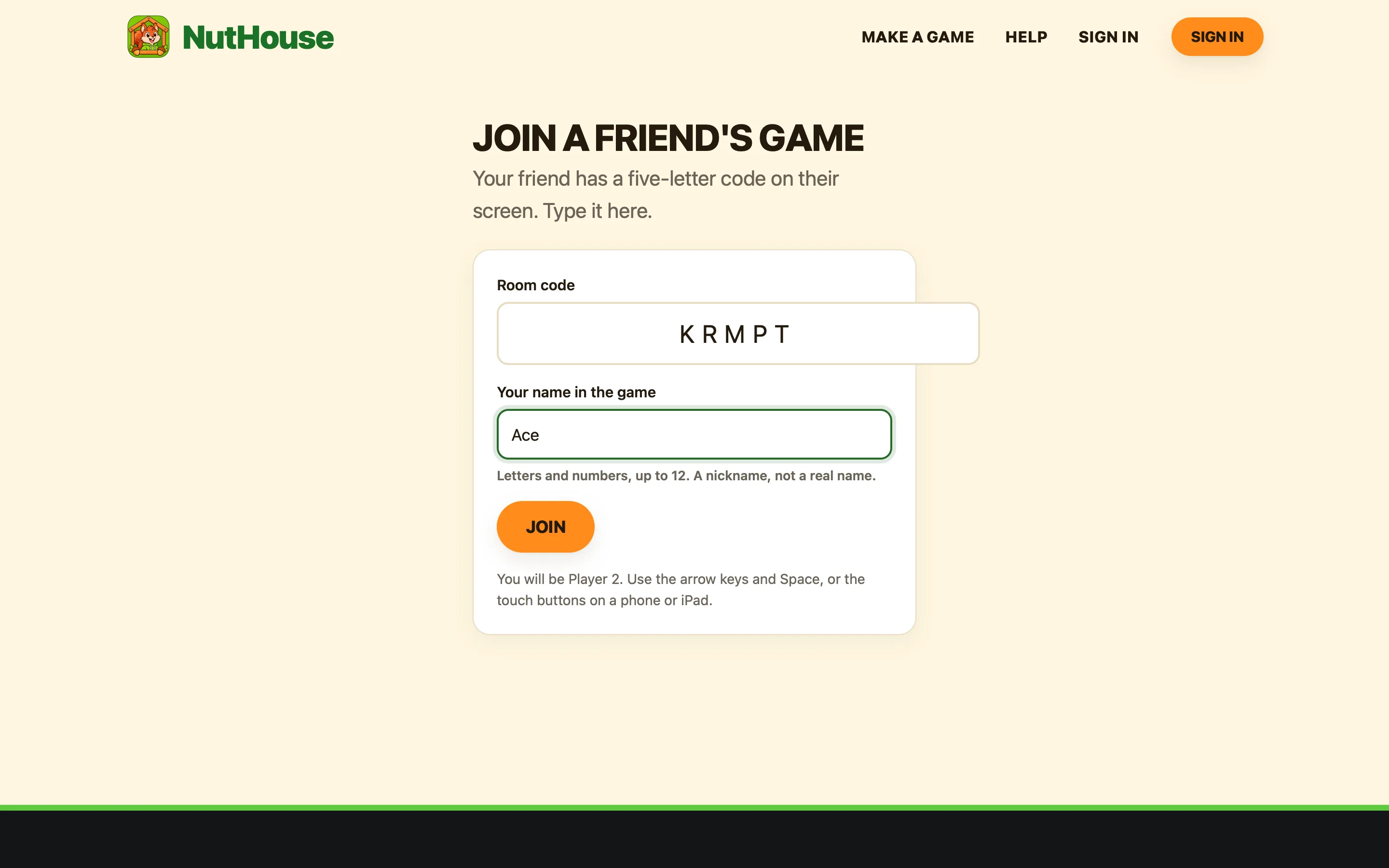
- Go to app.playnuthouse.com/join.
- Type the code and a nickname. Press Join.
- When the game has loaded, press Tap to join. You are Player 2: arrow keys and Space, or the touch buttons.
How it works
The game runs on the host’s computer. Your friend’s keys travel to it, and what is on the host’s screen travels back, many times a second. So the friend sees exactly what the host sees, a split second later. The sound plays on both.
When something goes wrong
| “No room has that code” | Check the letters. Codes have no vowels, so KRMPT not CRAMP. A room that waited ten minutes with nobody joining closes by itself. |
|---|---|
| “Waiting for Finn…” | The host’s tab is hidden or their connection dropped. It carries on by itself when they are back, within a minute. |
| “Your friend left the game” | The host pressed Stop or closed the page. Ask for a new code. |
| It feels a little late | Every key goes across the internet and back. On Wi-Fi in the same country that is a blink; across the world it shows. Fast twitchy games feel it most. |
