
NutHouse in your browser
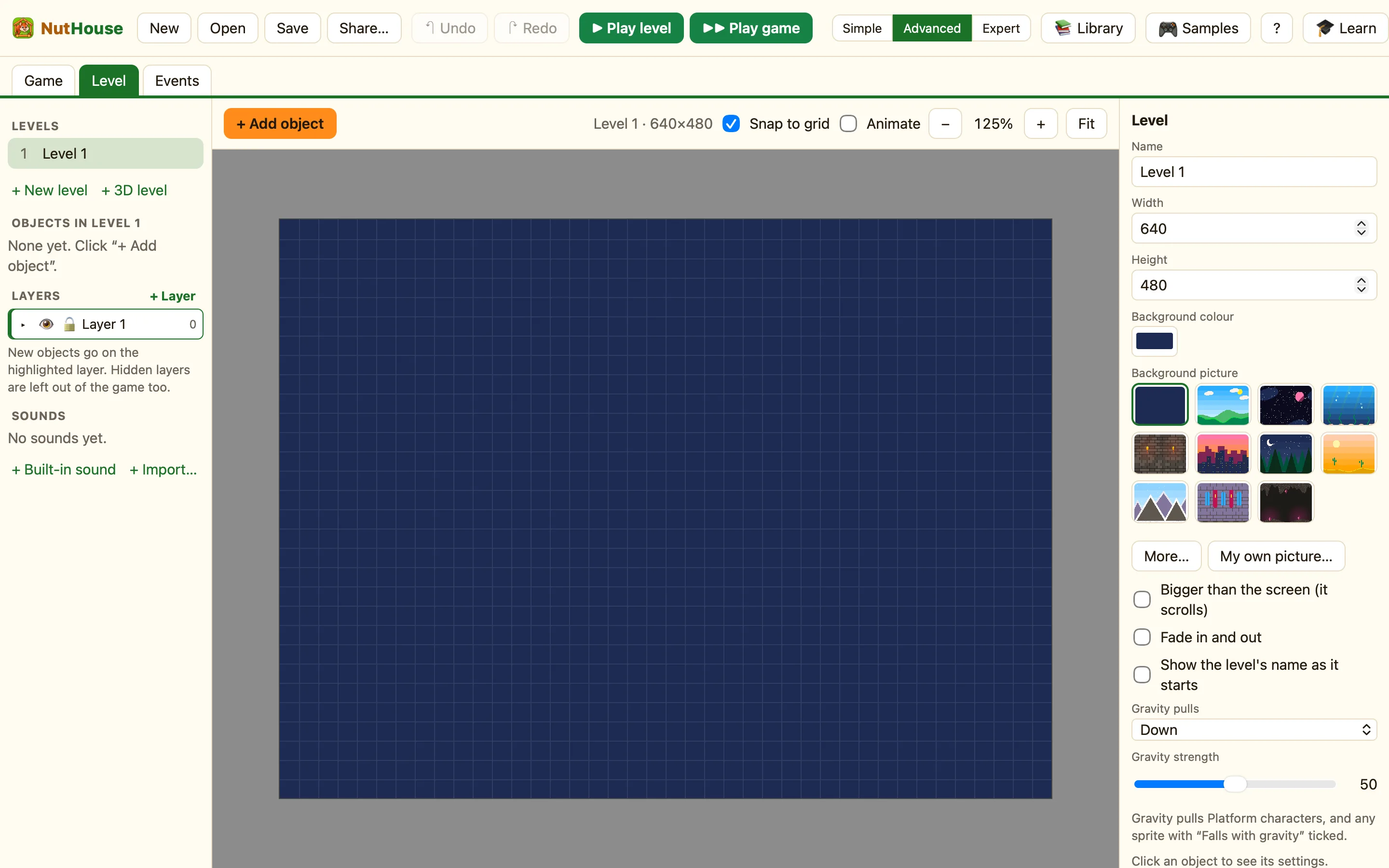
The whole editor runs at app.playnuthouse.com, on any computer with a modern browser. No download, and no account needed to start.
What is the same
Everything. The same Game, Level and Events tabs, the same sprite editor, library, samples and tutorial, the same Play panel. A game made in the browser opens in the Mac app and the other way round: it is the same .nuthouse file.
What is different
| Open and Save | Without an account, Open picks a file from your computer and Save downloads one. With an account, Open shows My games and Save keeps the game online. |
|---|---|
| Menus | There is no menu bar. Everything is on the toolbar, and the keyboard shortcuts still work. |
| Sharing | Share… can still save one web page, and signed in it can also Put it online: a link anyone can open. |
| Playing with a friend | Only the browser version can open a room for a friend to join. See Play with a friend online. |
Which browsers
Safari, Chrome, Edge and Firefox from the last couple of years. It works on an iPad in Safari, with touch buttons when a game plays. Chromebooks work too.
