
Two players on one keyboard
Tick one box and Player 2 gets their own keys, score, lives and a column on the Events tab.
How to turn it on
- Click empty space in a level so the Properties panel shows the level.
- Scroll down to Whole game and open ▸ Player keys.
- Tick Two players on one keyboard. Player 2's keys appear underneath.
What Player 2 gets
| Keys | W A S D to move, Q for Fire 1 and E for Fire 2, unless you change them. |
|---|---|
| A score and lives | Add a second Score or Lives object and set Shows to Player 2. |
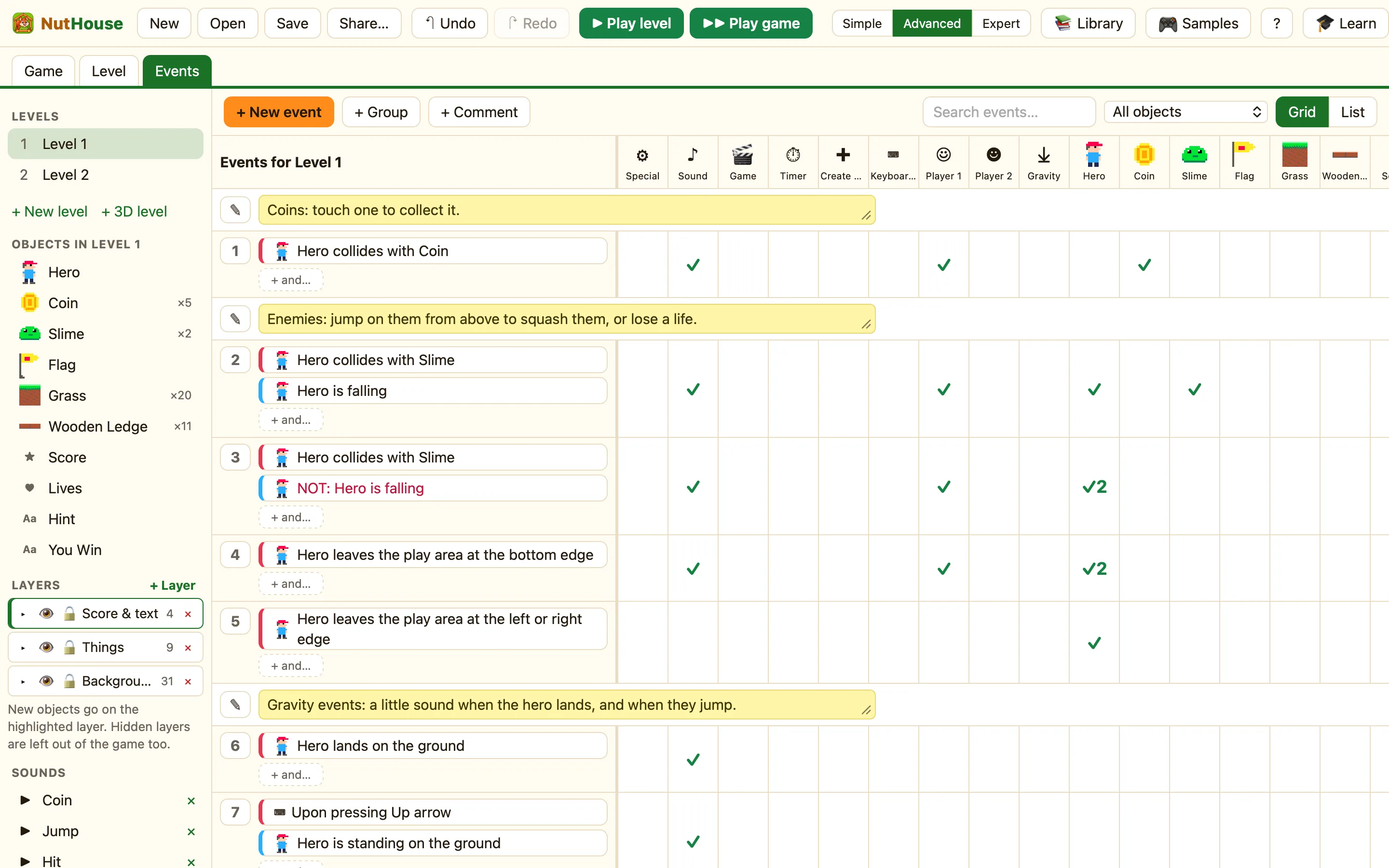
| An Events column | ☻ Player 2 appears next to ☺ Player 1, with its own conditions and actions. |
| A sprite | Any sprite with a key movement gets a Moved by choice: Player 1 or Player 2. |
Giving Player 2 a sprite
- Add a second hero, or duplicate the first with ⌘D. Give it a different name, like Hero 2.
- In its Movement section set Moved by to Player 2.
- Play. W A S D move Hero 2 while the arrows move Hero.
Player 2 rules
Every Player 1 condition and action has a twin. Compare player 2's score, Player 2 presses Fire 1, Add to player 2's score and Take away from player 2's lives all live in the ☻ column.
WhenHero 2 collides with Coin
DoDestroy CoinAdd 10 to player 2's score
WhenPlayer 2's lives is 0
DoHide Hero 2
