
A two-player race
By the end you will have two racing cars on one keyboard, and a flag that says who got there first.
What you need
The racing car movement is Advanced, so switch the mode to Advanced first.
| Two cars | + Add object → Library → Racing Car. Add it twice. Name them Car 1 and Car 2. |
|---|---|
| Flag | + Add object → Library → Flag. Put it at the end of the track. |
| Walls | Blocks with Is it solid? set to Solid (blocks everything), or Stone Wall tiles. |
| Winner text | A Text object called Winner. Untick Visible when the level starts. |
Build it
- Click empty space in the level so the Level settings show. Set Gravity pulls to Off (everything floats). Cars seen from above do not fall.
- In the Properties panel, open Whole game → Player keys. Tick Two players on one keyboard. Pick Player 2's keys, like W A S D.
- Click Car 1. Under Movement, How it moves is already Racing car (seen from above). Set Moved by to Player 1.
- Click Car 2. Set Moved by to Player 2. Try a different Top speed for fun.
- Build a track with walls. Leave a gap wide enough for both cars.
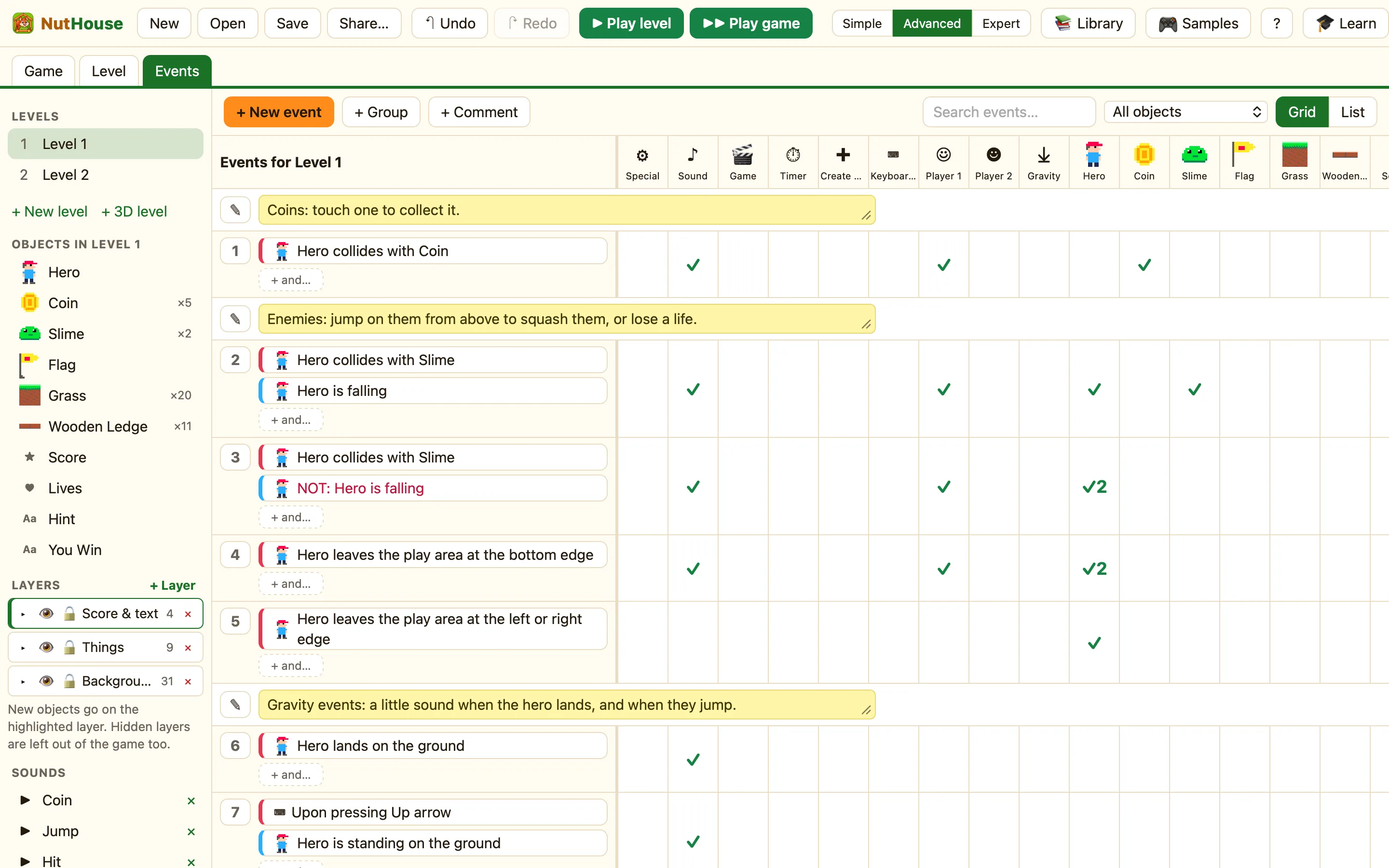
- Open the Events tab. Click + New event, click Car 1, then Collides with another object → Flag.
- In the Winner cell choose Set the text and type Player 1 wins!, then Show. In Car 1 and Car 2 choose Stop.
- Right-click the row number and choose Duplicate. Change the copy to Car 2 and Player 2 wins!
- Press ▶ Play level and race a friend.
WhenCar 1 collides with Flag
DoSet text of Winner to “Player 1 wins!”Show WinnerStop Car 1Stop Car 2
WhenCar 2 collides with Flag
DoSet text of Winner to “Player 2 wins!”Show WinnerStop Car 1Stop Car 2
The ☻ Player 2 column appears in the Events tab once two players are on. Use it for Player 2's score and lives.
Make it yours
- Give points: Add to score for Player 1, Add to player 2's score for Player 2. Add a Score object with Shows set to each player.
- Add Lava from the library. Collides with Lava → Set position back to the start.
- Make it a time trial: a Timer display that counts up, and a High scores table on the next level.
