
Groups and comments
Fold rules into folders, switch a whole group on or off, and leave notes for later.
Groups
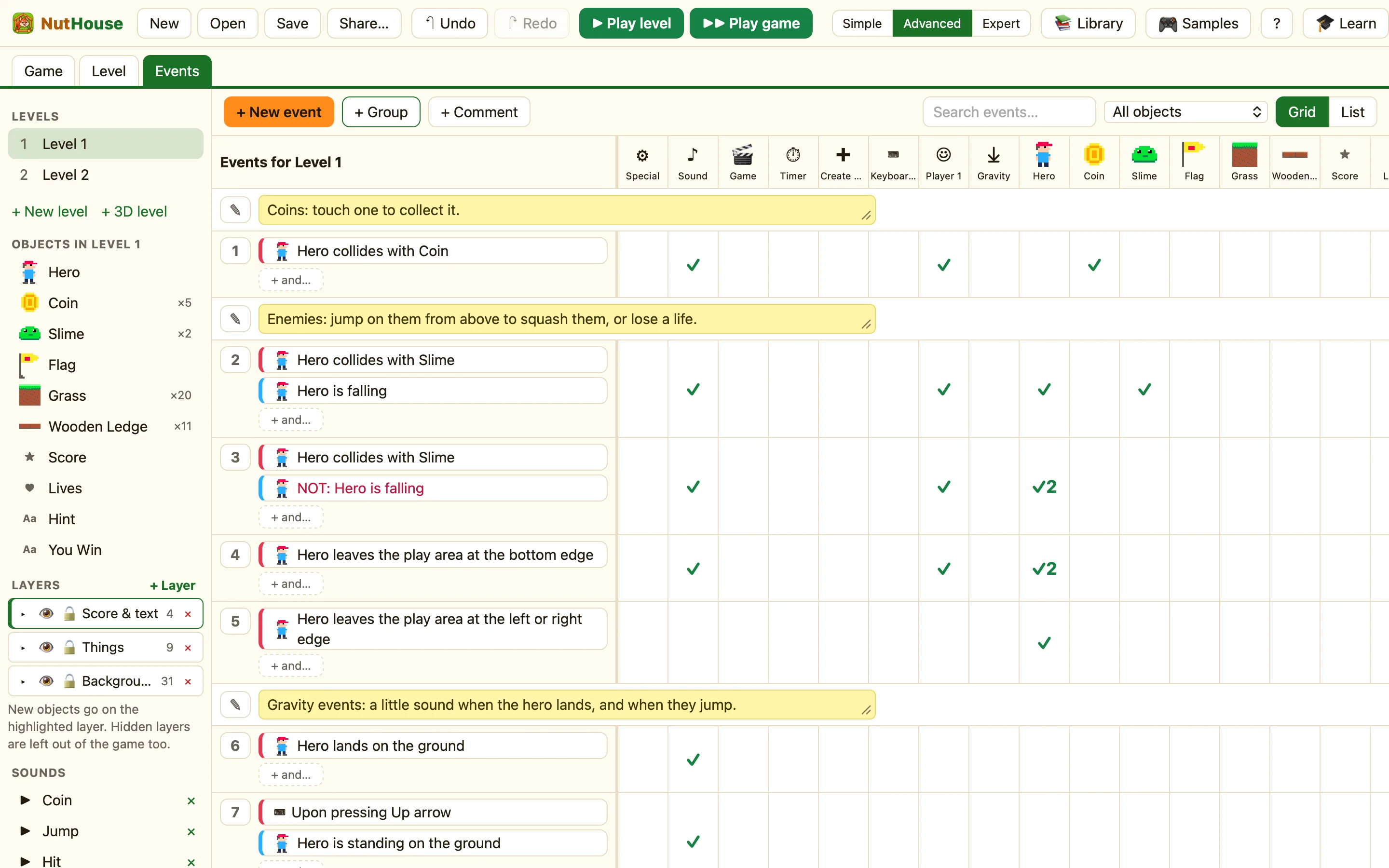
A big game can have fifty rules. A group is a folder for some of them. Fold it shut when you are working on something else. Groups are in every mode.
| ≡ | The handle. Drag the group to move it. |
|---|---|
| ▸ / ▾ | Fold the group shut or open. |
| Name | Click it and type. Call it what it does: Baddies, Shop, Pause screen. |
| ☐ On when the level starts | Expert only. Untick it and the rules inside do nothing until an action turns the group on. |
| ☐ Works in every level | Not in Simple. The rules inside run in every level of the game. See Works in every level. |
| + Event in group | Makes a new rule inside this group. |
How to make a group
- Click + Group in the Events toolbar (“A folder for events. Drag events into it to keep things tidy.”).
- Click its name and type a new one.
- Drag rules in by their numbers. Drop into the group’s middle to put a rule inside.
- Or click + Event in group to make a new rule straight in there.
Switching a group on and off
In Expert mode a group becomes a switch. Untick On when the level starts. Then use Turn on a group of events and Turn off a group of events from the ⚙ Special column. Test it with Group is active.
WhenHero collides with Flag
DoTurn off group BaddiesSwitch off the player’s controlsSet text of Message to “You Win!”
In List view a group that starts off reads “Group: Baddies (off at start)”.
Comments
A comment is a note. It does nothing in the game. Click + Comment (“A note to explain your events”), then type in the box. It has a ✎ handle so you can drag it next to the rules it explains. Future you will say thank you.
