
Part 6: Score and lives
Steps 21 to 25. Add a Score and a Lives object, give points for bricks, lose a life when the ball escapes, and restart when lives run out.
What this part teaches
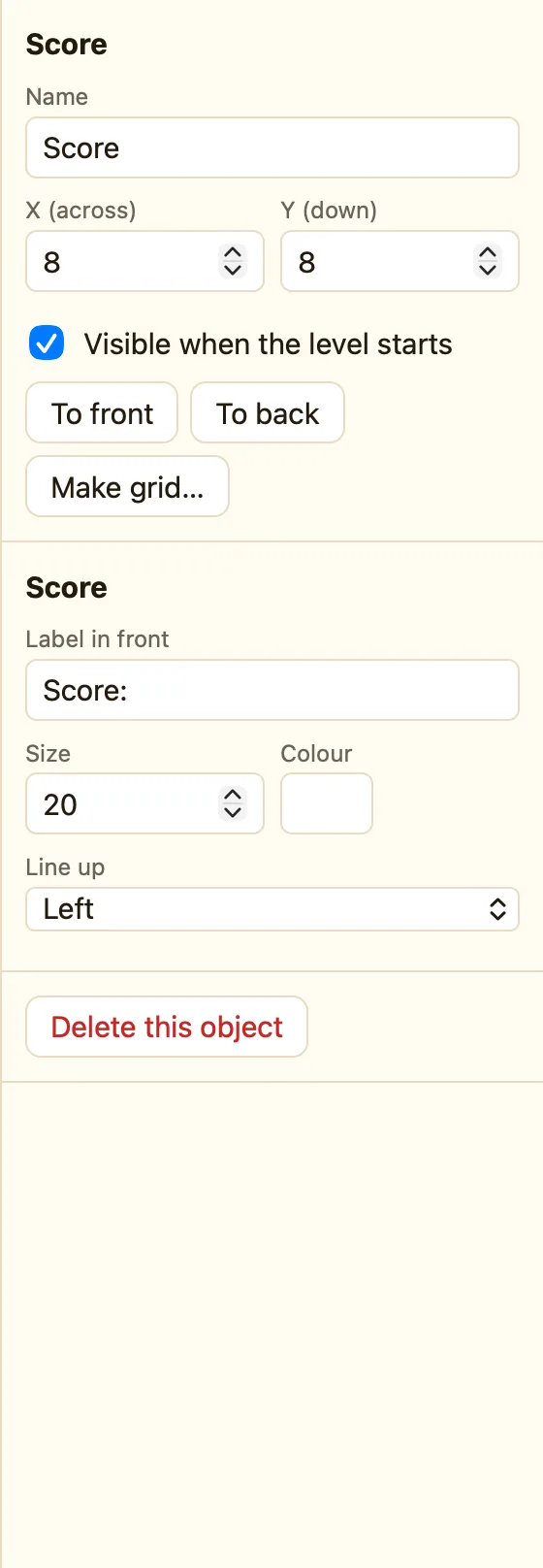
Score and Lives are not sprites. They are objects that show a number the game keeps. The number belongs to ☺ Player 1, which has its own column in the Events tab. You also meet the 🎬 Game column, and write a rule with two actions in two different columns.
Step 21: Keep score
- Go back to the Level tab.
- Press + Add object, click New, then Score.
- Drag it to the top-left corner.
Step 22: Points for every brick
- In Events, find the row where the Ball collides with the Brick.
- Click under ☺ Player 1 and choose Add to score.
- Type 10 and press Add.
You added an action to a rule you already had. Now one touch does three things: destroy, bounce, add 10.
Step 23: Three lives
In the Level tab, press + Add object, New, then Lives. Put it in the top-right corner. The number of lives you start with is in Lives at start, on the right.
Step 24: Losing a life
- Press + New event, click Ball, then Leaves the play area, tick only Bottom, press Add.
- Under ☺ Player 1 choose Subtract lives, with 1.
- Under Ball choose Set position. Type X 0, Y -24, and set Measured from to the Paddle.
“Measured from the Paddle” puts the ball 24 pixels above wherever the paddle is right now, so it always comes back to you.
Step 25: Game over
- Press + New event, click ☺ Player 1, then Compare the number of lives. Pick = equal to and 0. Press Add.
- Under 🎬 Game choose Restart the game.
Next: Part 7: Winning and saving.
