
What players see
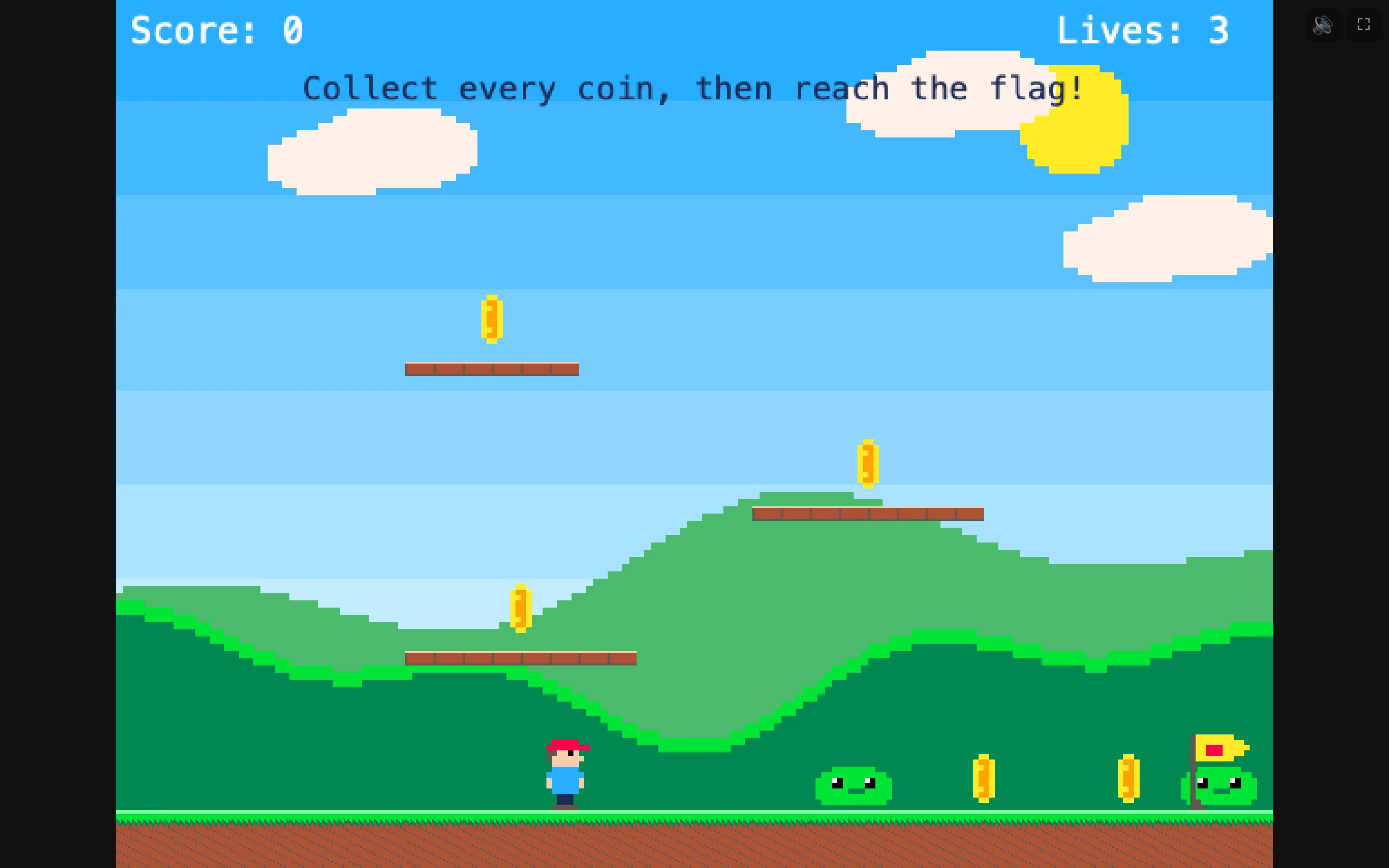
The shared page has a start screen, a crisp scaled game, sound and full-screen buttons, touch buttons on iPad, and “The End”.
From start to end
| Start screen | The game's name, “by {author}”, How to play if you filled it in, and “Tap to play”. See The start screen and About this game. |
|---|---|
| The game | Scaled up to fill the window, kept crisp, with the same keys as in NutHouse's Play panel. |
| 🔊 / 🔇 | A corner button to mute the game. |
| ⛶ Full screen | A corner button that fills the whole screen. Esc leaves it. |
| Touch buttons | On an iPad or phone, an arrow pad and up to four round buttons under the game. See Touch buttons on iPad and phone. |
| The End | When the game ends, “The End — tap to play again”. A tap starts it from level 1. |
What players do not see
None of NutHouse's editor. No play bar, no Pause button, no Teach me, no red error lines. Players get your game and nothing else. If you want them to pause, give them a pause key with a rule. See Pause and carry on.
Saving and high scores
If your game uses Save the game or a High scores object, those work on the shared page too. They are kept in the player's browser, under the game's name, so they are there next time the same person opens the page on the same device.
How to check what players see
- Press ⌘E and click Play in browser.
- Read the start screen. Is the title right? Are the controls there?
- Play to the end. Does “The End” come when you expect?
- If you have an iPad, AirDrop the file to it and try the touch buttons.
