
Pause and carry on
Freeze a game with the Pause button, or let the player pause it with a key using a rule.
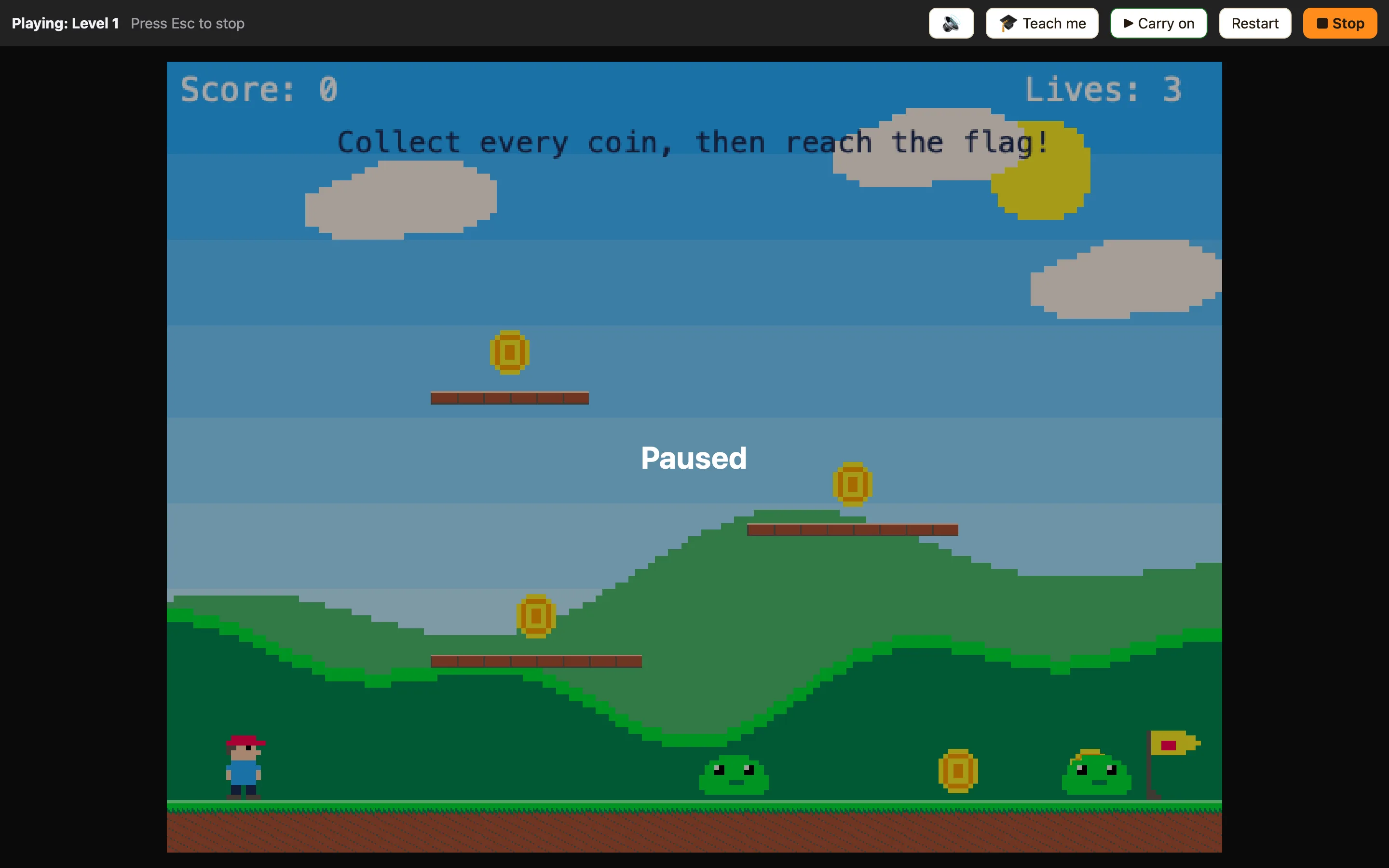
The Pause button
Click ❚❚ Pause on the play bar. Everything stops, the clock stops, and “Paused” appears over the game. The button changes to ▶ Carry on. Click it and the game picks up exactly where it was.
This is for you while testing. Players of your shared web page do not get this button, so give them a pause key with a rule.
Pausing from a rule
There are three actions in the ⚙ Special column, and one condition.
| Pause the game | Freezes everything: nothing moves and the clock stops. Rules still run, so a key or button can un-pause. |
|---|---|
| Carry on (un-pause) | Un-freezes a paused game so everything moves again. |
| Pause, or carry on if paused | One key for both: pauses, or carries on if already paused. |
| The game is paused | True while the game is paused. Use it to show a “Paused” message. |
How to add a pause key
- On the Events tab click + New event.
- In ⌨ Keyboard & mouse choose Upon pressing a key and press P.
- In the ⚙ Special cell add Pause, or carry on if paused.
To show the player it is paused, add a Text object saying Paused, untick Visible when the level starts, and add two rules:
Controls off is not pause
Switch off the player's controls stops the player moving their character, but everything else keeps going. That is for cut-scenes and the end of a level, not for pausing. Switch the player's controls back on gives control back.
