
First-person (3D levels)
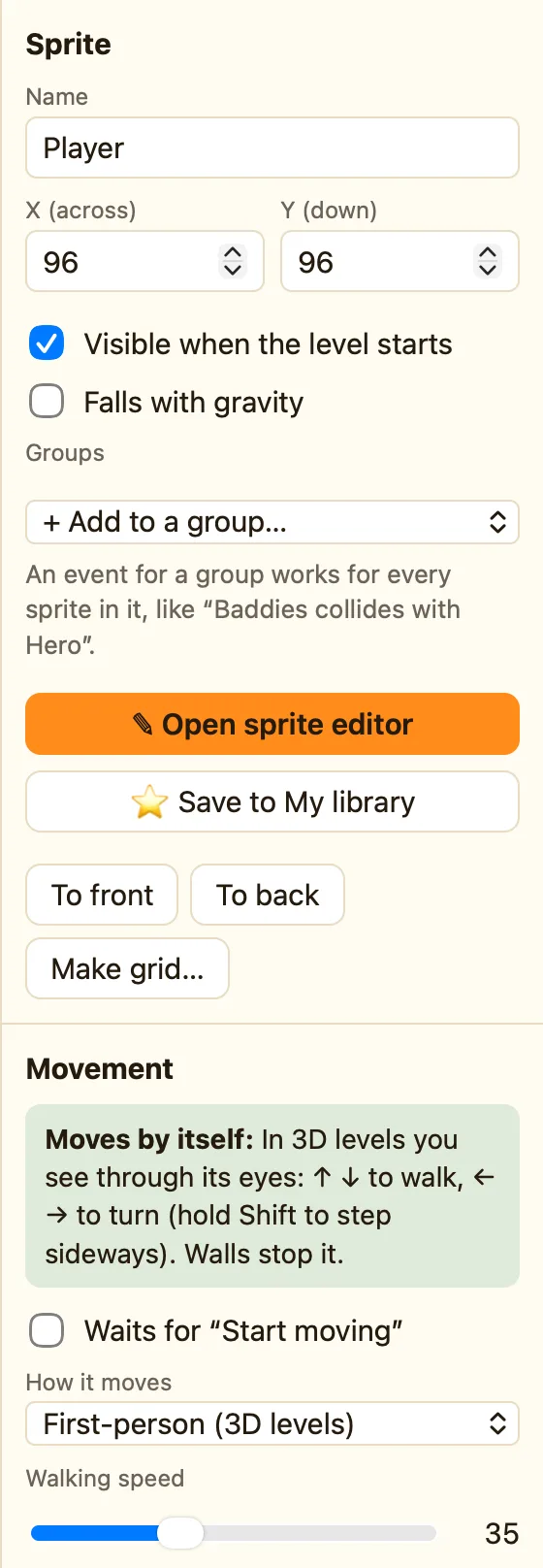
In a 3D level, the player sees through this sprite's eyes. Up and down walk, left and right turn.
What it does
See through its eyes in a 3D level: ↑ ↓ walk, ← → turn. Walls stop it. Press Space in front of a door to open it, unless it is locked.
It only makes sense in a 3D level, the kind you make with + 3D level. The level's See through the eyes of setting starts as The first First-person sprite, so the first one you place becomes the camera.
It is an Advanced movement, so switch to Advanced or Expert mode to find it.
What the settings mean
| Walking speed | How fast you move through the maze, 0 to 100. The default is 40. |
|---|---|
| Turning speed | How quickly the view swings round. Lower it if players feel dizzy. |
| Hold Shift to step sideways | Ticked, Shift plus ← or → side-steps instead of turning. Handy for peeking round corners. |
Library sprites that come with it
None. Any sprite can be the player. Add a sprite, pick First-person (3D levels), and place it on the map with the 🧍 tool. Press R to turn it so it starts facing the right way.
Rules that go with it
- Collides with another object works the same in 3D: Player collides with Crystal, destroy the Crystal.
- Is near another object is good for a ghost that starts to move when you get close.
- A door starts to open (3D) happens once when any door starts to open. Play a creak.
- Switch off the player's controls freezes the player while a message shows.
There is a whole section on the 3D rules: 3D rules.
