
Patrols back and forth
An enemy that walks by itself, turning round when it meets a wall or reaches the edge of a ledge.
What it does
Walks left and right by itself, turning round at walls. You do not press anything. Put it on a platform between two walls and it paces to and fro for the whole game. It plays its walking animation and faces the way it is going.
It is the easiest enemy there is. One setting for speed, one tick box, done.
What the settings mean
| Speed | How fast it walks, 0 to 100. Library enemies use 8 to 15, which is slow enough to jump over. |
|---|---|
| Turn round at the edge of a ledge | Ticked, it turns before it walks off a platform. Unticked, it walks off the end and falls. |
Turning at a ledge only works if the sprite is standing on something. Tick Falls with gravity in its settings so it sits on the ground. A floating fish does not need it.
Library sprites that come with it
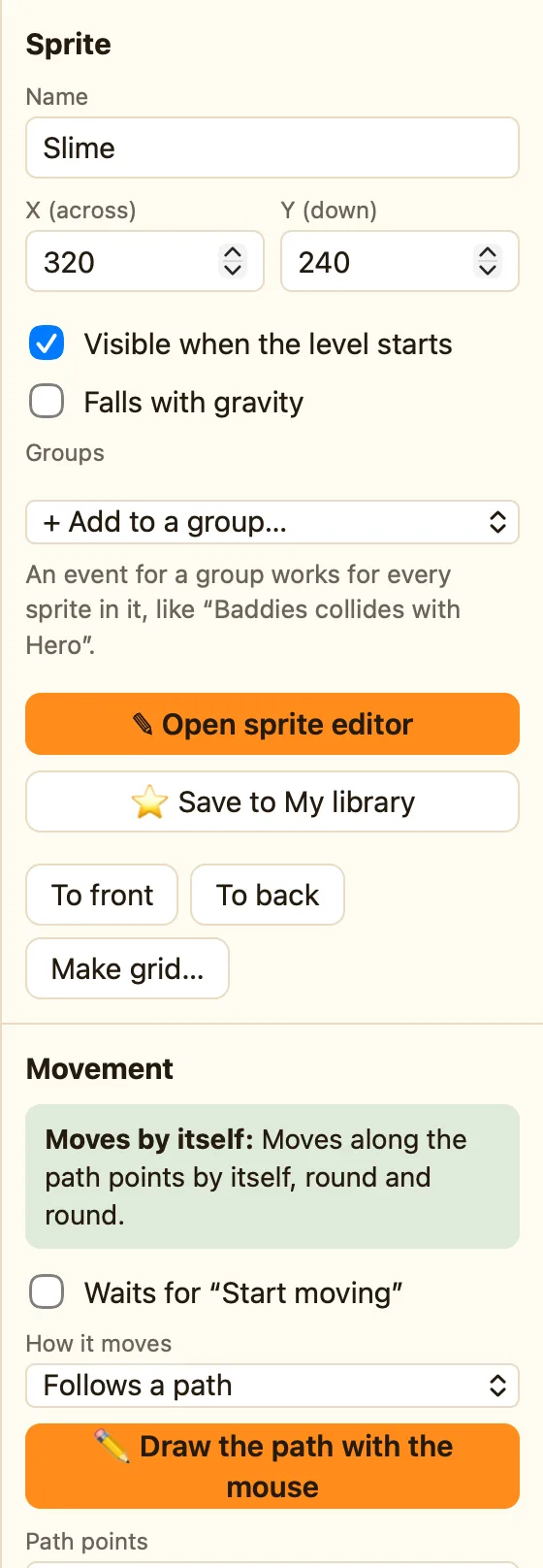
Frog, Fish, Zombie, Skeleton and Snake show the 🚶 Patrols chip. The library Slime looks like it patrols, but it uses Follows a path with two points instead.
Rules that go with it
- Collides with another object is the main one: when the Hero collides with the Zombie, lose a life.
- Is facing a direction lets you check which way it is walking.
- Stop and Start moving freeze it and set it going again.
- Set speed makes it hurry up when the player gets a power-up.
WhenHero collides with Zombie
DoSubtract 1 from the livesFlash Hero
How to build a patrol
- Click + Add object and pick Zombie from the Library tab.
- Drag it onto a platform. Tick Falls with gravity.
- Press ▶ Play level. It walks to the end, turns and walks back.
