
What NutHouse is
NutHouse is a game maker for your Mac. You draw sprites, build levels and write rules, and out comes a game you can play and share.
Three things make a game
Every NutHouse game is made of the same three parts.
| Levels | A game is a list of levels. Each level is a stage where things happen. You build them in the Level tab. |
|---|---|
| Sprites and objects | Sprites are the things that move: a hero, a ball, a slime. You can draw your own in the Sprite editor or pick one from the library. Other objects keep score, show words or make things happen. |
| Rules | A rule says “when this happens, do that”. NutHouse calls them events. They live in the Events tab. |
Here is a rule from Chocobreak, the bat-and-ball game you make in the tutorial.
WhenBall collides with Brick
DoDestroy BrickBounce Ball
What you do not need
NutHouse is free. The Mac app has no account and no sign-in and never needs the internet: your games are saved as .nuthouse files, like any other document. The browser version needs no download; a grown-up can add a free account so games live online and can be shared.
You do not need to type code. Rules are made by clicking: pick a thing, pick what to test, pick what to do. When you are ready for more, Expert mode lets you type formulas like Score + 10.
Where to start
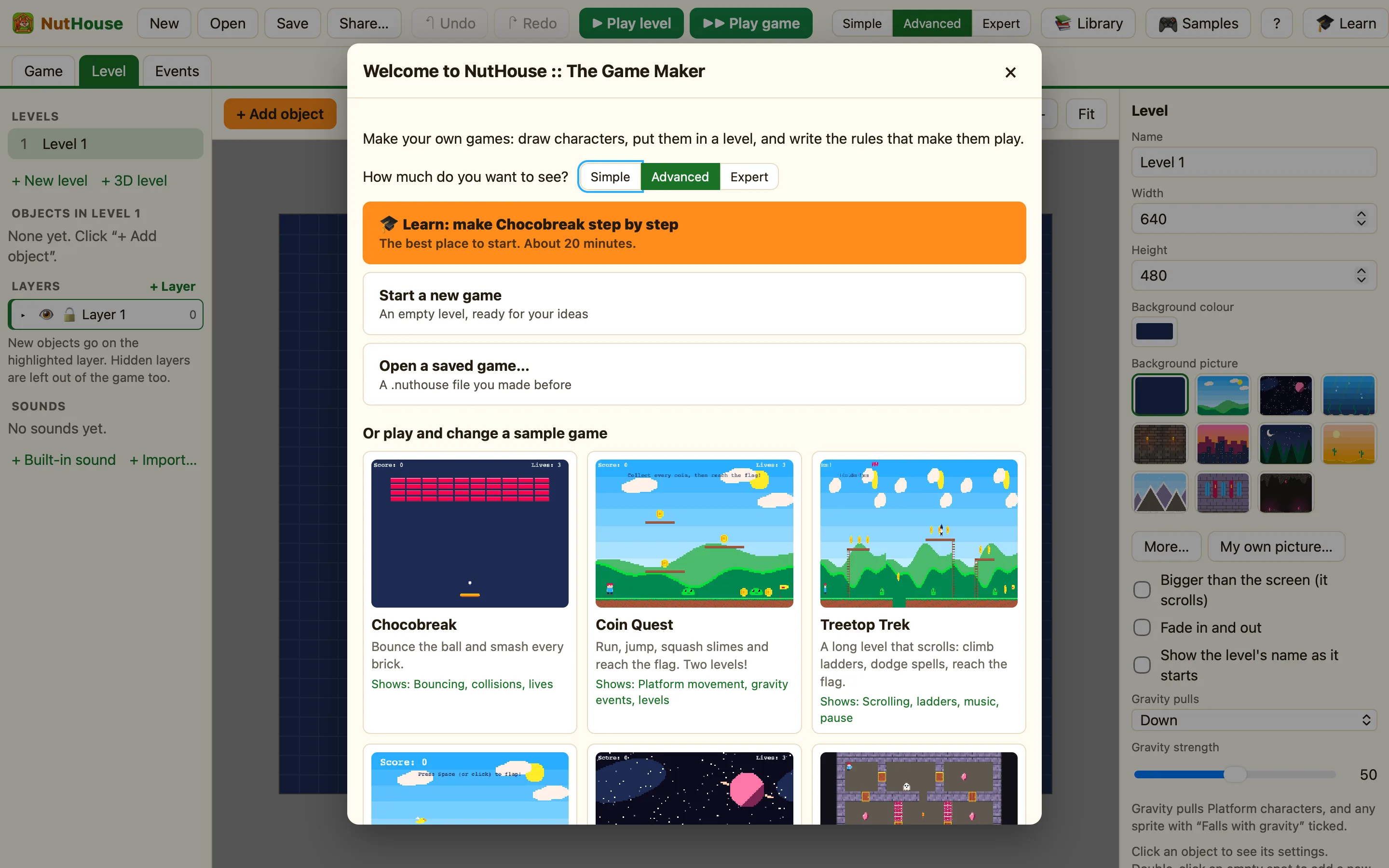
- Open NutHouse. On the Welcome screen, press 🎓 Learn: make Chocobreak step by step. It takes about 20 minutes.
- Or press 🎮 Samples in the toolbar and open Coin Quest. Play it, then change something.
- When you have a game you like, press Share…. NutHouse turns it into one web page you can send to a friend.
