
Sharing games safely
A shared game is one HTML file that plays in any browser, or, from the browser version, a hosted link. Here is what is inside, what is not, and what to think about before passing it on.
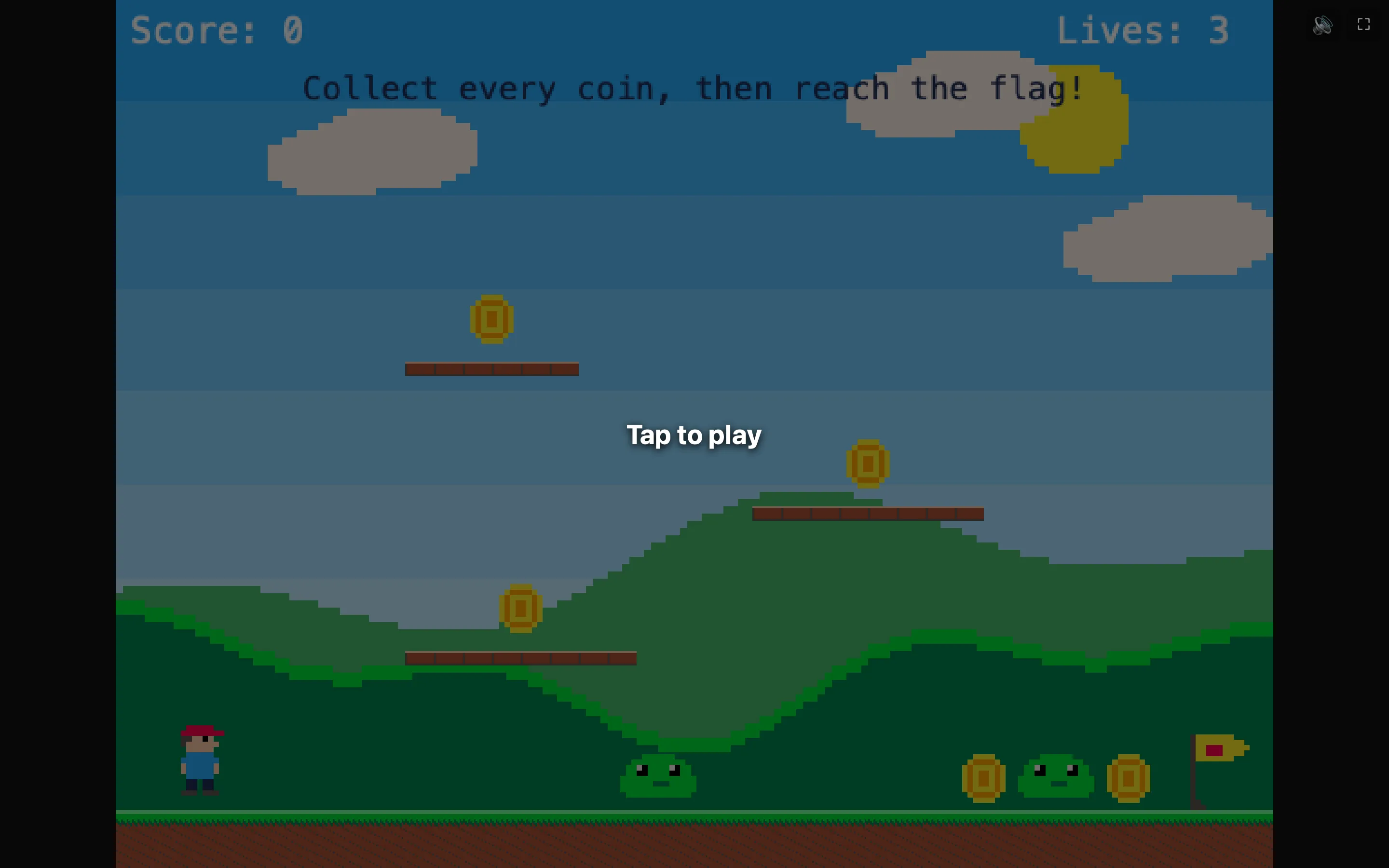
What is in the file
| The game | Levels, sprites, sounds and rules, exactly as saved. |
|---|---|
| The player | NutHouse’s game-playing code, so the page needs nothing else. It works offline. |
| About the game | The Made by name and How to play text, if the child filled them in. These show on the start screen. |
| Imported pictures and sounds | Anything imported is copied in. A photo stays a photo. |
What is not in the file
| The editor | Players can play, not edit. To let someone edit, send the .nuthouse file instead. |
|---|---|
| Anything about the Mac | No user name, folder path, device name or location. |
| Tracking | The page makes no network requests. No analytics, no fonts fetched, no links back to anyone. |
| Other games | Only this game. My library and other files are not included. |
Before sharing
- Check Made by. A first name or a nickname is plenty. It is shown to every player.
- Look at imported pictures. Photos of people or of the house go wherever the file goes.
- Choose how to send it: AirDrop, a school platform, a USB stick. NutHouse does not upload anywhere, so you are in control of the route.
Receiving a game from someone else
A shared page is a normal web page: it can only do what a web page can do in the browser. It can keep high scores and in-game saves in the browser’s storage for that game. Opening it does not install anything. A .nuthouse file from someone else is JSON data; NutHouse checks it on opening and refuses anything that is not a NutHouse game.
Hosted links
Signed in to the browser version, Put it online hosts the same page at app.playnuthouse.com instead of making a file. The page shows the child’s nickname, never the email. “Anyone with the link” is exactly that; “Everyone” adds it to the gallery after a person at NutHouse has looked at it. Every hosted page has a Report link. See Put your game online.
For the mechanics, see Share as a web page and What players see.
