
Groups of sprites
Put Slime, Bat and Ghost in a group called Baddies and write one rule for all of them.
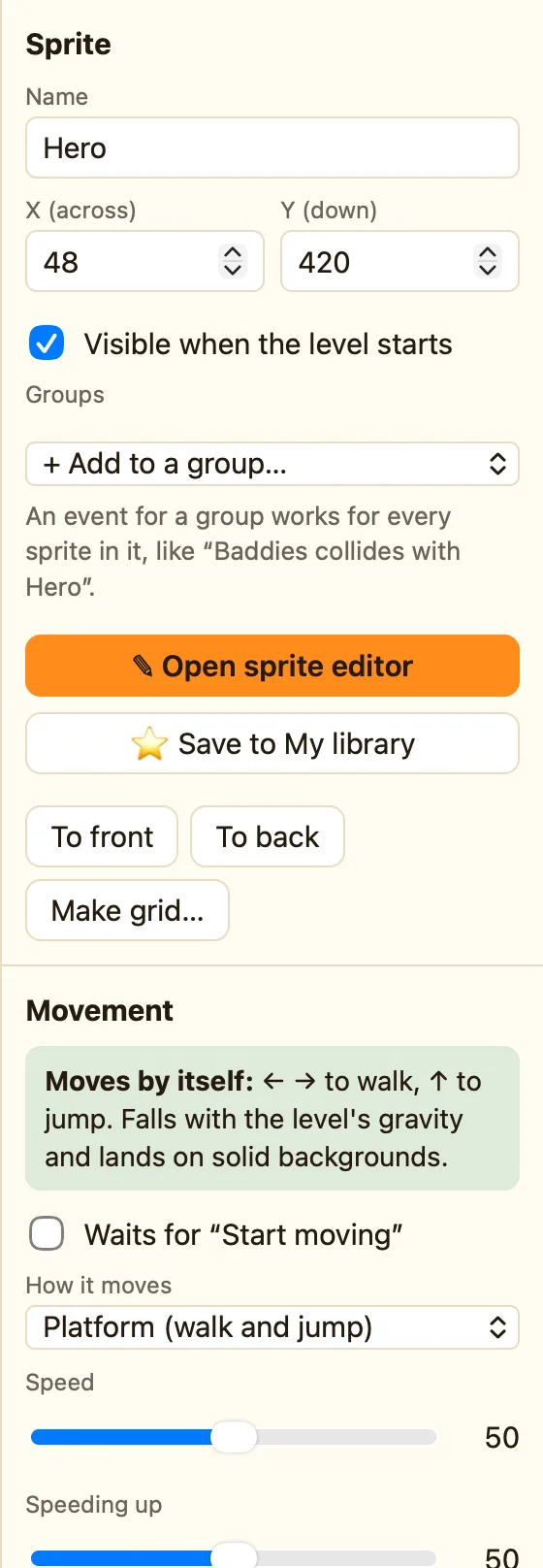
What a group is
Three baddies means three rules for “touches the hero”. A group turns that into one. Put the three sprites in a group named Baddies, and Baddies gets its own column in the Events tab. A rule there works for every sprite in it.
The Groups field shows in Advanced and Expert mode, on sprites only.
How to make one
- Click a sprite, like Slime.
- Under Groups, open + Add to a group… and choose New group….
- Type a name, like Baddies. A chip 👥 Baddies appears.
- Click Bat, open + Add to a group… and pick Baddies. Do the same for Ghost.
- Open the Events tab. There is now a Baddies column.
Click the × on a chip to take a sprite out again. A sprite can be in more than one group.
Writing rules for the group
Actions on the group only touch the copies that passed the test. So Destroy Baddies after a collision destroys the one baddie that was hit, not all of them. That is the same picking rule as for a single sprite. See Only the coin you touched.
You can still write rules for Slime on its own. The group is extra, not instead.
Groups of sprites and groups of events
These are different things with the same word. A group of sprites is made here, in a sprite's settings. A group of events is made with + Group in the Events tab, and is a folder for rules. See Groups and comments.
