
After the tutorial
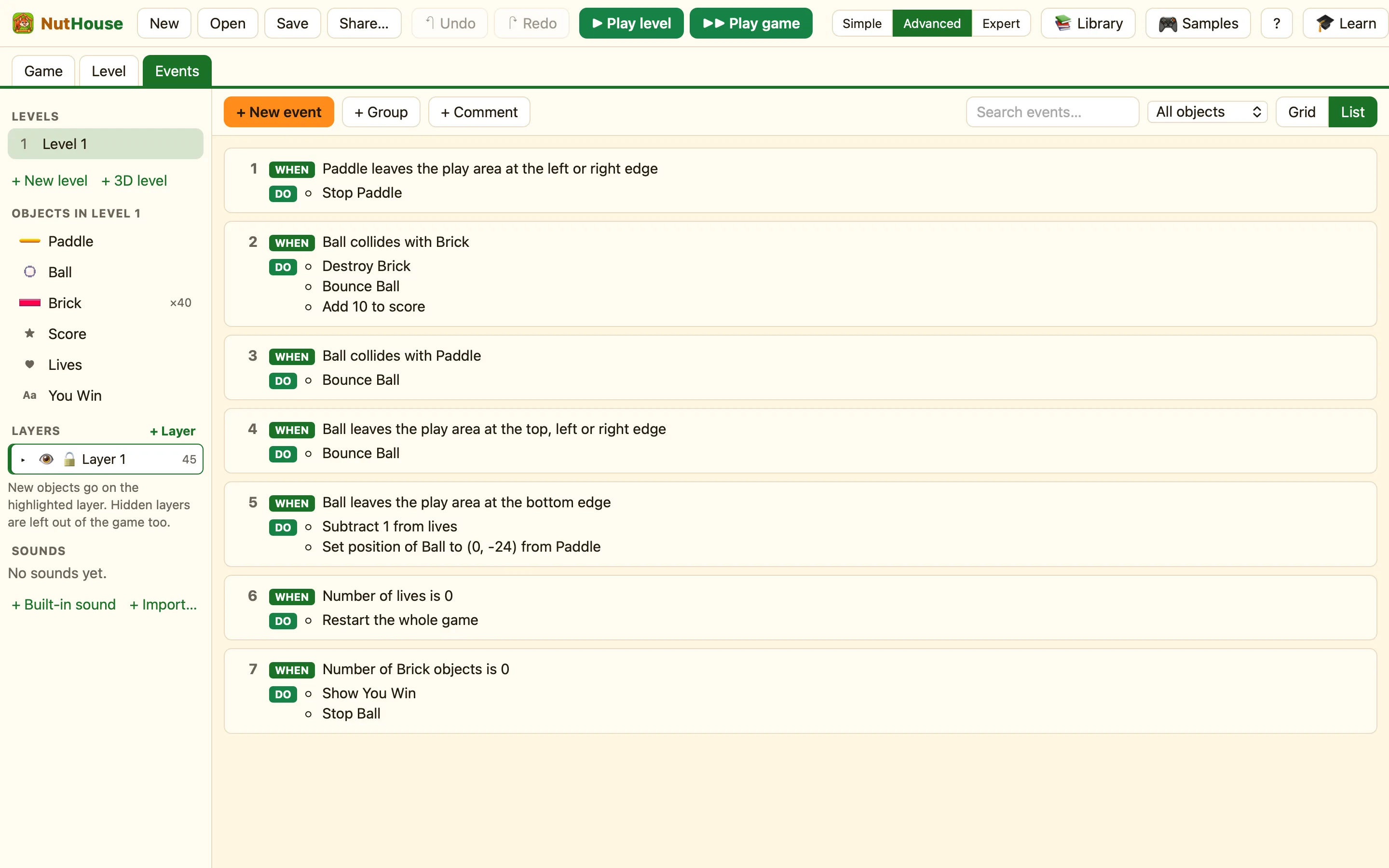
Chocobreak works. Here are ten ways to change it and make it yours, from a one-click sound to a second level.
Ten ideas
- A sound when a brick breaks. In the sidebar press + Built-in sound and pick Hit. In the Ball-hits-Brick row, click under ♪ Sound, choose Play a sound, pick Hit.
- Draw your own ball. Double-click the Ball to open the Sprite editor. Pencil, paint bucket, done. See A tour of the sprite editor.
- Different coloured bricks. Add a second brick from the library, give it a new picture, and make a grid of those too. Remember to give it its own smash rule, or copy the first with ⌘D and change the object.
- A faster ball each time. Expert mode only: in the Ball-hits-Paddle row, choose Set speed for the Ball and type a formula like
Speed("Ball") + 2. - A background picture. Click empty space in the level and choose one of the ten pictures on the right, such as Starry space.
- A second level. Go to the Game tab, press Duplicate on Level 1, then move the bricks about. Change the winning rule's action from Show text to 🎬 Game → Next level.
- Bonus points for the top row. A third brick object worth 50 points instead of 10.
- Lives as hearts. Click the Lives object and set Show lives as to A row of hearts ♥♥♥.
- A timer. Add a Timer display from the New tab that counts up, and see how fast you can clear the wall.
- Two players. Tick Two players on one keyboard under Player keys, add a second paddle moved by Player 2, and give it its own bounce rule. See Two players on one keyboard.
Compare with the sample
NutHouse's own Chocobreak is in 🎮 Samples. It has the same rules you wrote, in the same order. Open it next to your version and spot the differences. The walk through is at Chocobreak.
Then make something new
When Chocobreak has had enough, try Make a game from nothing: a hero, a floor and a coin. It uses the same three rules you already know, with a different movement.
