
Kinds of object
Sprites move. Blocks stay. The rest keep score, show words, ask questions or make things happen.
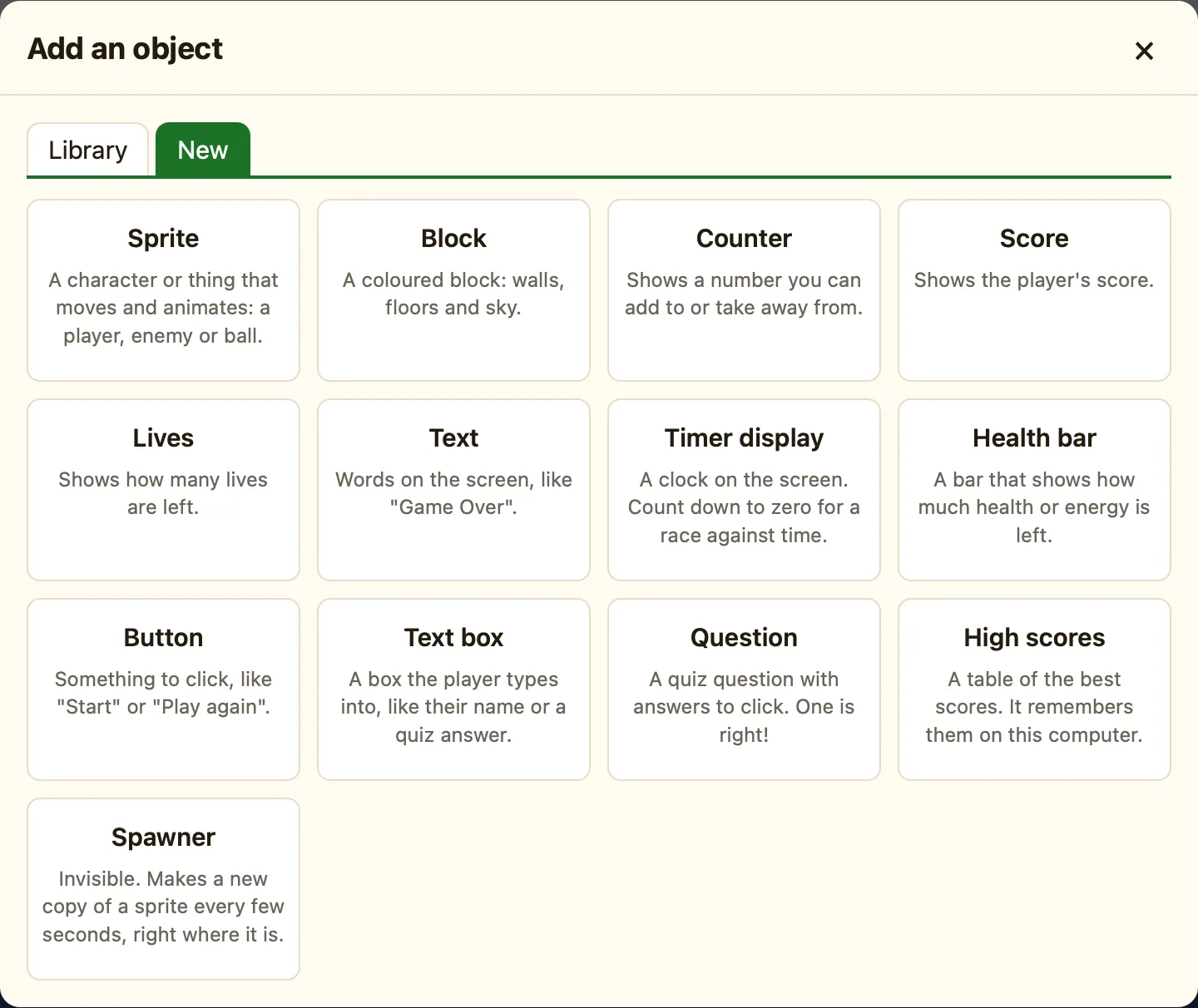
The thirteen kinds
Click + Add object, then New. You get one card per kind. Here they are in the same order.
| Sprite | A character or thing that moves and animates: a player, enemy or ball. |
|---|---|
| Block | A coloured block: walls, floors and sky. |
| Counter | Shows a number you can add to or take away from. Advanced. |
| Score | Shows the player's score. |
| Lives | Shows how many lives are left. |
| Text | Words on the screen, like “Game Over”. |
| Timer display | A clock on the screen. Count down to zero for a race against time. |
| Health bar | A bar that shows how much health or energy is left. Advanced. |
| Button | Something to click, like “Start” or “Play again”. |
| Text box | A box the player types into, like their name or a quiz answer. Advanced. |
| Question | A quiz question with answers to click. One is right! |
| High scores | A table of the best scores. It remembers them on this computer. |
| Spawner | Invisible. Makes a new copy of a sprite every few seconds, right where it is. |
Three families
Sprites are the only things that move by themselves. They have animations, a movement, and the biggest list of rules.
Blocks and tiles are the ground, walls and scenery. They can be solid, a platform or a ladder.
Everything else is a gadget. Gadgets sit on the screen and do one job each. In a scrolling level they stay put while the world slides past.
Which mode shows what
In Simple mode you see ten kinds. Counter, Health bar and Text box appear when you switch to Advanced or Expert. Switching mode never changes your game. An object you already added always stays.
